

You check the mempool. You see fees jumping. Your wallet is asking you to pick a speed. Pay $8 and wait one block, or pay $2 and wait a day? If you have sent Bitcoin even a few times, you know the frustration. The network gets crowded. Miners prioritize transactions that pay the highest fee per byte. That leaves smaller spenders stuck guessing. But here is the truth: you do not need to overpay to get a transaction confirmed within a few hours. The trick is understanding where the market sits right now and matching your fee to actual demand, not fear.
The Bitcoin fee vs speed sweet spot in 2026 usually sits around 5 to 15 satoshis per vbyte during normal network conditions. Paying more than the 75th percentile fee rate rarely gets you faster confirmation. Use a fee estimator, check mempool congestion, and set your fee to match the 50th to 70th percentile for best value.
How the Fee Market Actually Works
Bitcoin does not have a fixed price per transaction. Instead, you compete for block space. Every ten minutes or so, a new block is mined. That block has room for about 2,500 to 3,000 transactions, depending on their size. Miners fill that block with the highest paying transactions first. If your fee is too low, your transaction sits in the mempool waiting for a block with lower demand.
Think of it like buying a seat on a popular flight. During holidays, seats cost more. On a random Tuesday afternoon, prices drop. Bitcoin fees follow the same logic. When the mempool is full, you need to bid higher. When it is empty, a low fee gets you in the next block.
The key metric is satoshis per vbyte (sat/vB). This measures how much you pay for each unit of data your transaction uses. A simple transaction with one input and two outputs is around 150 to 200 vbytes. Multiply that by your sat/vB rate, and you get your total fee.
Why the Sweet Spot Changes Every Day
There is no single magic number that works forever. The sweet spot shifts based on mempool size, block space demand, and even the day of the week. In 2026, we have seen patterns that repeat often enough to be useful.
- Weekend lulls: Saturdays and Sundays often see lower network activity. Fees can drop by 20 to 40 percent compared to weekday peaks.
- Market volatility: When Bitcoin price makes big moves, more people send transactions. Fees spike during those hours.
- Halving cycles: After block subsidy halvings, fee pressure can increase as miners rely more on transaction fees. The 2024 halving already shifted the baseline.
If you send during a quiet Sunday morning in the US, you will likely pay less than if you send during a busy Thursday afternoon.
How to Find Your Sweet Spot in 2026
Here is a simple process you can follow every time you need to send Bitcoin.
- Check the current mempool status. Open a mempool viewer like mempool.space or a fee estimation tool. Look at the number of unconfirmed transactions and the fee rates they are offering.
- Identify the 50th percentile fee rate. This is the fee that half of recent transactions are paying. Transactions at this rate usually confirm within 2 to 4 blocks (20 to 40 minutes) during normal conditions.
- Set your fee to the 50th to 70th percentile range. If the 50th percentile is 8 sat/vB and the 70th is 12 sat/vB, set your fee at 10 sat/vB. This gives you a buffer without paying the top rate.
- Enable replace-by-fee (RBF). If your wallet supports it, mark the transaction as RBF. This lets you bump the fee later if the mempool gets congested.
- Wait one block before worrying. Sometimes a transaction takes longer than expected. Give it at least one block (10 minutes) before taking action.
A good rule of thumb: if you are not in a rush, set your fee at the 40th percentile and wait. Most transactions confirm within 6 blocks. If you need it in the next 30 minutes, aim for the 60th percentile.
Common Mistakes That Cost You Money
Many people overpay because they misunderstand how fees work. Here is a table of common mistakes and what to do instead.
| Mistake | Why It Happens | Better Approach |
|---|---|---|
| Picking the wallet default without checking | Wallets often set a high fee to ensure confirmation. | Manually adjust based on current mempool data. |
| Paying the highest fee tier | Fear of being stuck leads to overpaying. | Use the 70th percentile as your ceiling. |
| Sending during peak US business hours | More people are active, driving fees up. | Send late at night or on weekends. |
| Not using RBF | You cannot adjust if the fee is too low. | Enable RBF for every transaction. |
| Ignoring transaction size | Larger transactions need higher total fees. | Combine inputs before sending to reduce size. |
When to Pay More (and When to Wait)
There are times when paying a higher fee makes sense. If you are buying something time sensitive, like a ticket or a limited item, you want confirmation fast. In those cases, set your fee to the 80th percentile. You will likely confirm in the next block.
But for most everyday uses, like sending money to a friend or topping up a wallet, you can afford to wait. If the mempool is very congested, wait a few hours and check again. Often, the congestion clears after a few blocks.
Here is a quick list of situations and what fee level to target:
- Sending to an exchange for trading: 60th percentile, confirmation within 1 to 2 blocks.
- Paying a merchant: 70th percentile if they require 0 confirmations, otherwise 50th.
- Moving funds between your own wallets: 30th percentile, accept 1 to 6 hours wait.
- Urgent payment during high congestion: 85th percentile or use Lightning Network instead.
Tools That Make Finding the Sweet Spot Easier
You do not need to guess. Several tools give you real time fee data. Use them before every transaction.
- Mempool.space: Shows the current fee distribution and recommended rates for different confirmation speeds.
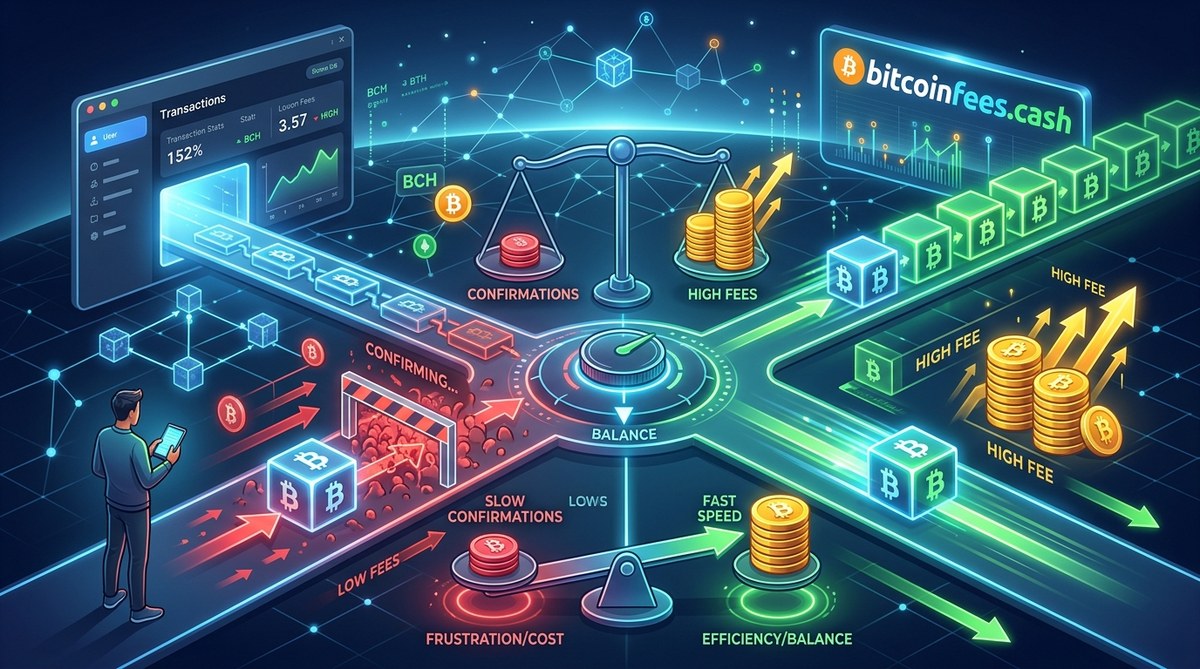
- Bitcoinfees.cash: Offers a simple fee vs speed comparison based on live network data.
- Wallet built-in estimators: Many wallets now show a slider with estimated wait times. Use that as a guide, but cross check with a mempool viewer.
For a deeper look at how to read these tools, check out our guide on how to use fee estimators to pay less for Bitcoin transactions in 2026.
What About Lightning Network?
If you find yourself frustrated by main chain fees often, the Lightning Network might be your answer. It moves transactions off the main chain and settles them later. Fees are fractions of a cent. For frequent small payments, it is a game changer. Learn more in our article on how to use the Lightning Network to drastically cut Bitcoin fees in 2026.
Putting It All Together: Your Fee Strategy for 2026
You do not need to become a mempool expert. You just need a simple routine.
Before you send, open a mempool viewer. Note the 50th percentile fee rate. Add a small buffer if you are in a hurry. Enable RBF. Send. If the transaction does not confirm within two blocks, check the mempool again. If it is still congested, bump your fee using RBF.
That is it. No guessing. No overpaying.
| Fee percentile | Typical confirmation time (normal network) |
|---|---|
| 30th | 3 to 8 blocks (30 to 80 minutes) |
| 50th | 1 to 3 blocks (10 to 30 minutes) |
| 70th | Next block (10 minutes) |
| 90th | Next block, often within minutes |
Your First Step Toward Smarter Spending
The Bitcoin fee vs speed sweet spot is not a fixed number. It is a method. Check the mempool. Set a reasonable fee. Wait a little. Adjust if needed. That process will save you money every single time you send Bitcoin.
Next time you open your wallet, take ten seconds to look at the fee data. Your future self will thank you for not overpaying. And if you want to go deeper, read our full breakdown of what determines your Bitcoin transaction fee in 2026. Happy spending.









Leave a Reply