

If you have sent Bitcoin on a busy day, you already know the pain. You check the network, see a reasonable fee estimate, hit send, and then watch your transaction sit in the mempool for hours. Or worse, you pay a premium and still wait. The culprit is often the size of your transaction data. Bigger data means higher fees. That is where SegWit comes in.
Segregated Witness, or SegWit, was activated on the Bitcoin network back in 2017, but a surprising number of wallets and users still ignore it. If you are not using a SegWit address, you are overpaying on almost every transaction. The fix is simple, and it does not require any special technical skills. You just need to know which address format to use and how to set it up.
SegWit lowers your Bitcoin fees by reducing the size of your transaction data. A standard SegWit transaction can be 30 to 40 percent smaller than a legacy one. That size reduction directly cuts the fee you pay. Switching to a native SegWit address (starting with “bc1”) is the single most effective step you can take to lower bitcoin fees segwit style.
Why SegWit Makes Transactions Cheaper
To understand the savings, you need to know how Bitcoin fees work. Miners do not charge a percentage of the dollar amount you send. They charge based on the weight of your transaction data. Think of it like shipping a package. A smaller, lighter box costs less to ship than a bulky one.
A legacy Bitcoin address (starting with “1”) creates a large block of data called the “scriptSig.” SegWit moves that signature data into a separate area called the “witness.” This restructuring cuts the weight of the transaction. Because the block space is limited, miners prefer smaller transactions that pay a decent fee. Your smaller SegWit transaction competes better in the fee market.
The result is clear. A typical one-input, two-output legacy transaction might weigh around 226 virtual bytes. The same transaction using a native SegWit address weighs roughly 141 virtual bytes. That is a 38 percent reduction in weight. If the fee rate is 50 satoshis per vbyte, you save about 4,250 satoshis on that single send.
How to Switch to a SegWit Address Today
If you are ready to start saving, the process is straightforward. Most modern wallets support SegWit. You just need to generate the right address type.
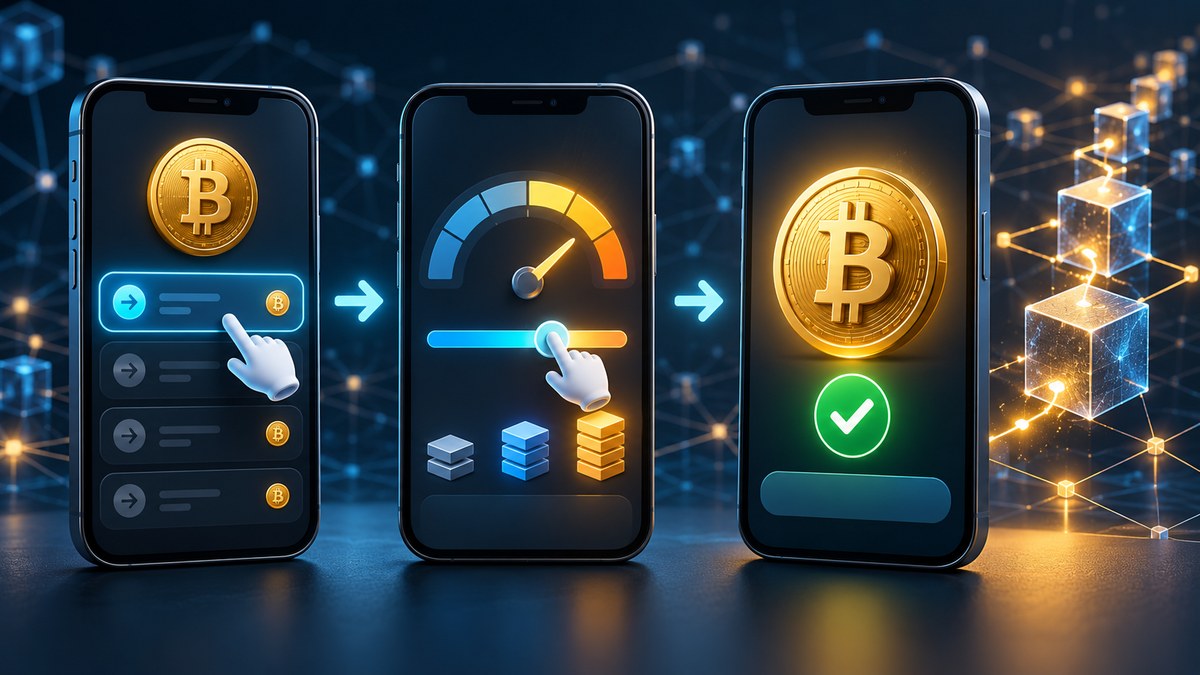
Here is a numbered list to walk you through the process:
- Check your current wallet. Open your wallet app and look at the receiving address. If it starts with “bc1,” you are already using a native SegWit address. If it starts with “3,” you are using a nested SegWit address (still better than legacy). If it starts with “1,” you are using a legacy address and overpaying.
- Create a new wallet if needed. If your wallet only gives you legacy addresses, you need to move your funds to a SegWit-compatible wallet. Download a reputable wallet like Electrum, BlueWallet, or Sparrow. During setup, choose “SegWit” or “Native SegWit” as the address format.
- Send a small test transaction. Before moving all your Bitcoin, send a tiny amount from your old legacy wallet to your new SegWit wallet. This confirms everything works. Once the test clears, send the rest of your balance.
- Use the new address for all future receives. From now on, only share your “bc1” address when someone sends you Bitcoin. Every transaction you make from this wallet will benefit from the weight discount.
Common Mistakes That Wipe Out Your Savings
Switching to SegWit is not a magic bullet if you keep making other costly errors. Here are the most common pitfalls and how to avoid them.
| Mistake | Why It Hurts | How to Fix It |
|---|---|---|
| Using a legacy address to receive funds | Forces the sender to create a larger transaction | Always provide your “bc1” address |
| Sending from a SegWit wallet but to a legacy address | The output is still large, reducing savings | Encourage recipients to use SegWit too |
| Not batching multiple payments | Each payment is a separate transaction with its own fee | Combine several payments into one send |
| Sending during peak network hours | High demand drives up fee rates for everyone | Use a fee estimator to find quiet periods |
| Ignoring UTXO consolidation | Many small inputs increase transaction weight | Consolidate small UTXOs when fees are low |
Expert advice: “Think of your wallet like a pile of cash and coins. Every time you receive Bitcoin, you get a new bill. If you have fifty small bills and need to spend one dollar, the transaction includes all fifty bills as inputs. That is heavy. Consolidate those small bills into larger ones during a weekend when fees are low, and your future sends will be much cheaper.”
What About Taproot?
Taproot is the next upgrade after SegWit. It offers even better privacy and potential fee savings for complex transactions like multisig. For a simple single-signature send, the difference between SegWit and Taproot is small. Taproot outputs are actually slightly larger than native SegWit outputs for basic transactions. The real savings from Taproot come when you use advanced features like scriptless scripts or multisig.
For now, if you are a typical Bitcoin user sending payments to friends or paying for services, a native SegWit address gives you the best balance of savings and compatibility. Most exchanges and wallets still support SegWit universally. Taproot adoption is growing, but it is not yet as widely supported.
A Practical Example of the Savings
Let us run the numbers for a real scenario in 2026. You want to send 0.01 BTC to a friend. The current fee rate is 40 satoshis per virtual byte.
- Legacy transaction (P2PKH): 226 vbytes x 40 sat/vbyte = 9,040 satoshis
- Nested SegWit (P2SH-P2WPKH): 170 vbytes x 40 sat/vbyte = 6,800 satoshis
- Native SegWit (P2WPKH): 141 vbytes x 40 sat/vbyte = 5,640 satoshis
Switching from legacy to native SegWit saves you 3,400 satoshis on that single transaction. If you send Bitcoin regularly, those savings add up fast. Over the course of a year, you could save hundreds of dollars in fees.
Tools to Help You Track and Lower Fees
You do not have to guess at the right fee rate. Several tools can help you understand Bitcoin network congestion and how to avoid high fees. Use a mempool monitor to see how many unconfirmed transactions are waiting. When the mempool is low, fee rates drop. That is the best time to send.
You can also use top tools to track network performance and minimize transaction fees to set custom fee rates in your wallet. Most wallets let you choose a fee rate manually. If you are not in a hurry, pick a rate on the lower end of the estimates.
The One Mistake That Inflates Your Fees the Most
Many people think they need to pay a high fee to get a fast confirmation. That is not always true. Why paying higher Bitcoin fees isn’t always the fastest way to confirm explains that during low congestion, a low fee transaction confirms just as quickly as a high fee one. The key is timing and transaction weight.
If you combine a heavy legacy transaction with a high fee rate during a busy period, you are paying double the cost for no reason. Switch to SegWit first. Then learn to read the mempool. That combination will save you the most money.
Making SegWit Work for Your Daily Bitcoin Use
Once you have a SegWit wallet, keep these practices in mind:
- Always generate a new receiving address for each incoming payment. This helps with privacy and UTXO management.
- If you run a business or send payments often, learn how to save on Bitcoin fees by batching transactions in 2026. Batching turns ten separate sends into one, saving you nine transaction fees.
- For very small, everyday payments, consider using the Lightning Network. It is a layer on top of Bitcoin that handles micropayments with almost zero fees.
- Do not forget to understand the hidden impact of mempool size on your Bitcoin fees in 2026. A full mempool means you should wait unless you absolutely need to send.
Your Next Steps to Lower Bitcoin Fees with SegWit
You now have the knowledge to cut your fees starting with your next transaction. Here is a summary of the action items:
- Generate a native SegWit address (bc1) in your wallet.
- Move any Bitcoin sitting in a legacy address to your new SegWit wallet.
- Use fee estimator tools to pick the right fee rate.
- Batch payments when possible.
- Consolidate small UTXOs during low fee periods.
Start Saving on Every Send Today
You do not need to wait for a network upgrade or a new wallet feature. The technology to lower bitcoin fees segwit style has been available for years. The only thing stopping you is the address format you use. Take five minutes right now to check your wallet. If you see a “1” at the start of your address, you are leaving money on the table. Switch to a “bc1” address and feel the difference on your next send. Your wallet will thank you.







Leave a Reply