
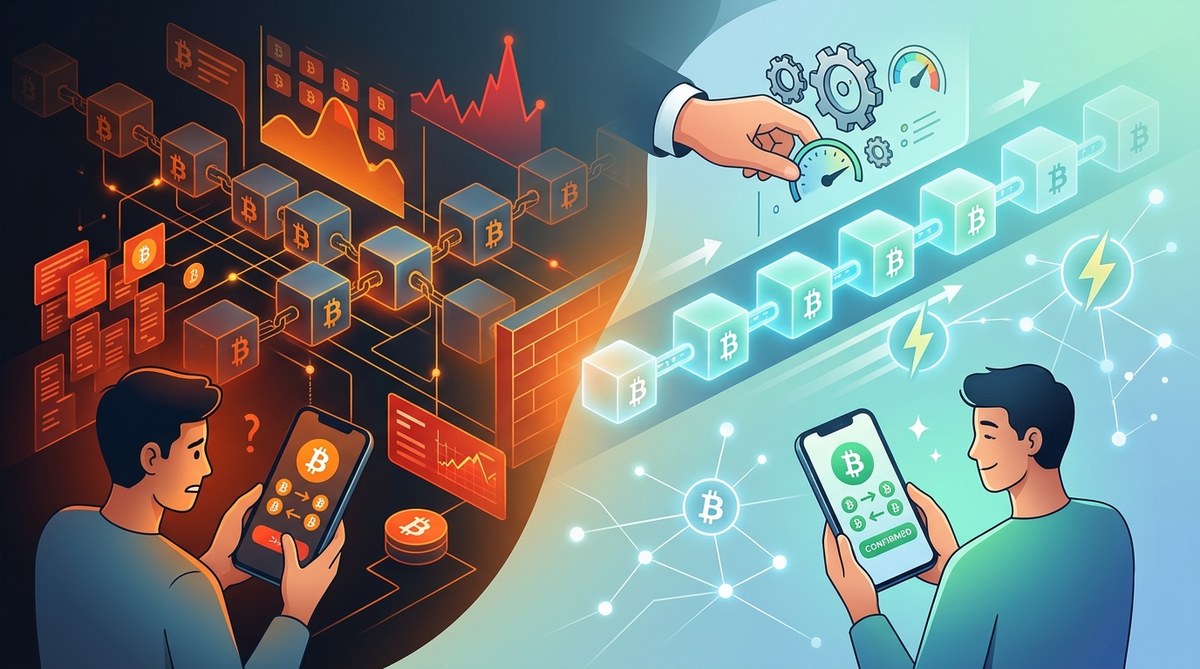
You just tried to send $50 worth of Bitcoin, and the wallet asked for a $12 fee. Or maybe you saw a $40 fee on a $100 transfer. It feels wrong. It feels like the network is broken. But the truth is, Bitcoin fees work on a supply-and-demand model for block space, and right now, demand is spiking. Let’s break down exactly why that fee is so high and, more importantly, what you can do about it.
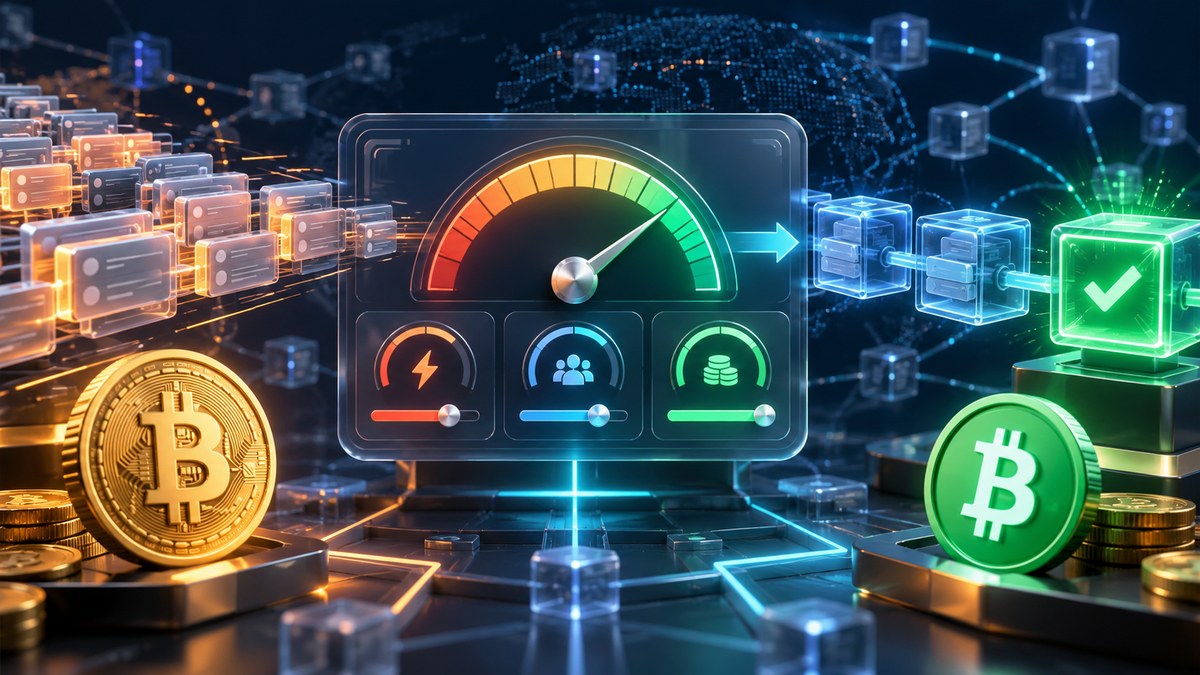
Bitcoin transaction fees rise when more people try to send coins than the network can process in each block. Miners prioritize transactions offering higher fees, creating a bidding war. Your fee depends on transaction size in bytes and network congestion. You can lower costs by using SegWit addresses, batching payments, timing sends during low-traffic weekends, or switching to the Lightning Network for small purchases.
What Actually Drives a Bitcoin Fee Higher
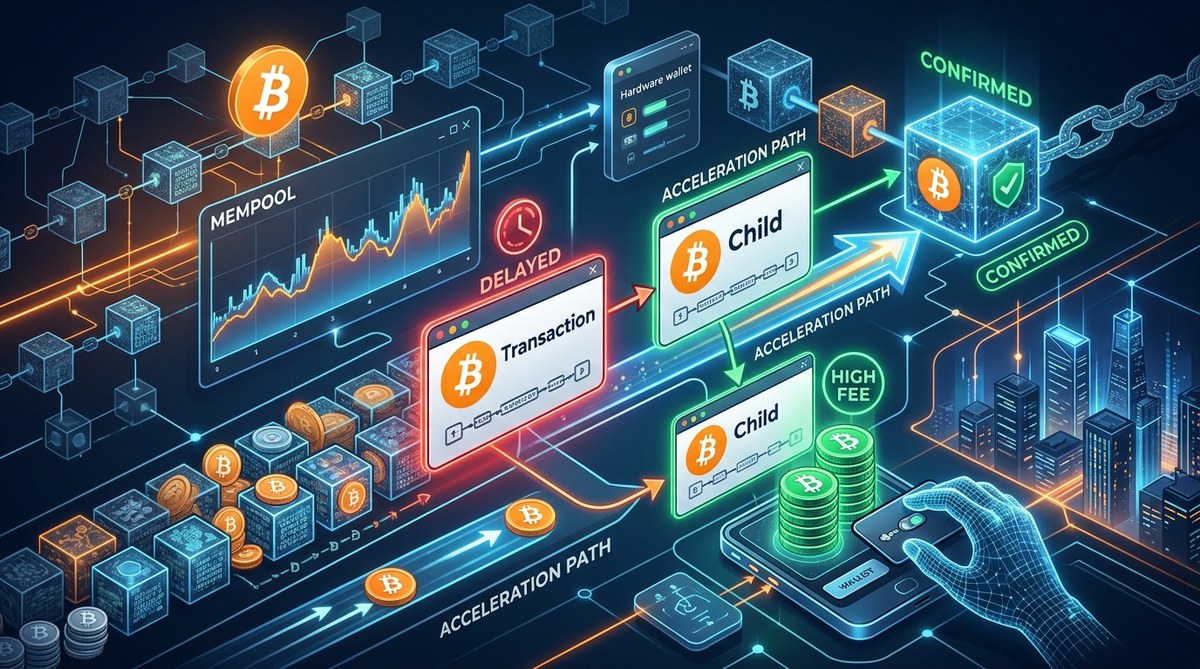
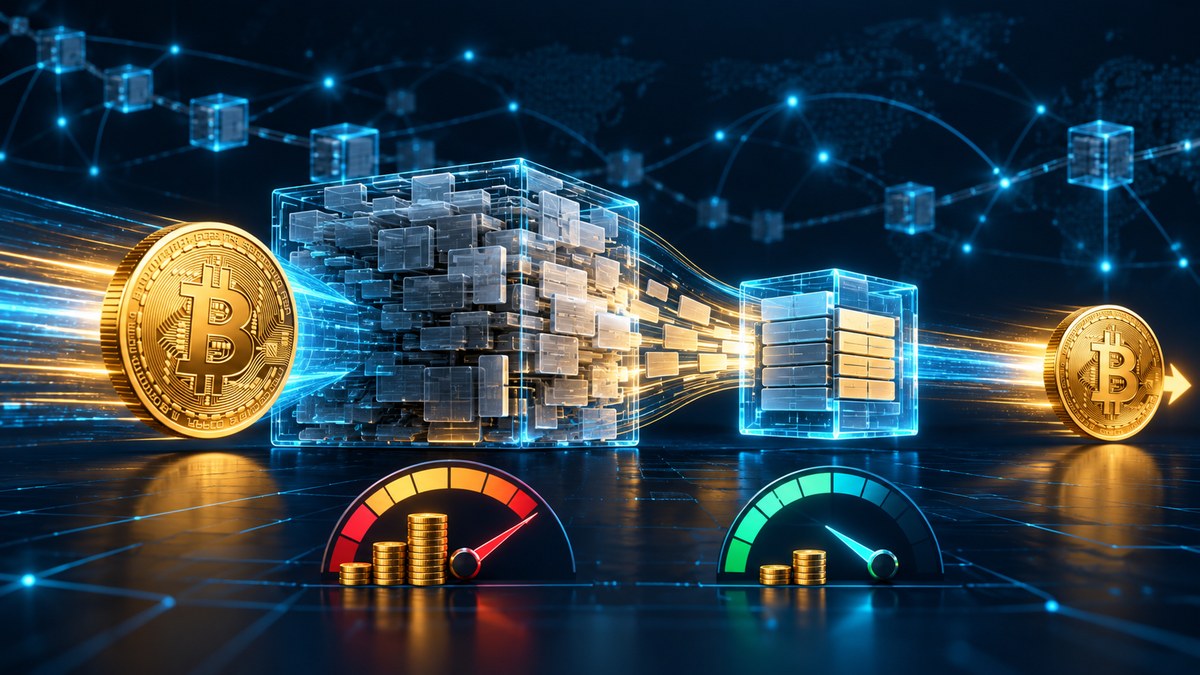
Bitcoin doesn’t have a central bank setting a flat rate. Instead, every transaction competes for space inside a block. Blocks are added roughly every ten minutes and have a fixed size limit of about 1 MB (or up to 4 MB with SegWit). When the mempool, the waiting room for unconfirmed transactions, gets packed, miners pick the highest-paying tickets first.
The Mempool Bottleneck
Think of the mempool like a busy airport terminal. Each flight (block) can only board so many passengers (transactions). If a storm hits and flights are delayed, the terminal fills up. People start offering to pay more for a seat on the next plane. That’s exactly what happens on the Bitcoin network.
- High demand for block space pushes fees up.
- Large events like Ordinals inscriptions or BRC-20 token activity can clog the mempool.
- Halving events or mining difficulty adjustments can slow block production, making the backlog worse.
Understanding Bitcoin Network Congestion and How to Avoid High Fees can help you spot these patterns before you send.
How Your Fee Is Calculated (It’s Not Based on Dollar Amount)
A common myth is that sending $10,000 costs more in fees than sending $10. That’s false. Bitcoin fees are based on the size of the transaction data (measured in bytes), not the dollar value.
Transaction Size Matters
A simple transaction with one input and two outputs might be around 250 bytes. A transaction that pulls from many small previous payments (called UTXOs) can be 1,000 bytes or more. You pay a fee rate, usually expressed in satoshis per vbyte (sat/vB), multiplied by that size.
| Transaction Type | Typical Size (vbytes) | Fee Rate (sat/vB) | Estimated Fee (sats) | Estimated Fee (USD at $100k BTC) |
|---|---|---|---|---|
| Simple SegWit send | 140 | 50 | 7,000 | $7.00 |
| Legacy send (non-SegWit) | 225 | 50 | 11,250 | $11.25 |
| Complex (many inputs) | 600 | 50 | 30,000 | $30.00 |
| Batched (3 outputs) | 250 | 50 | 12,500 | $12.50 |
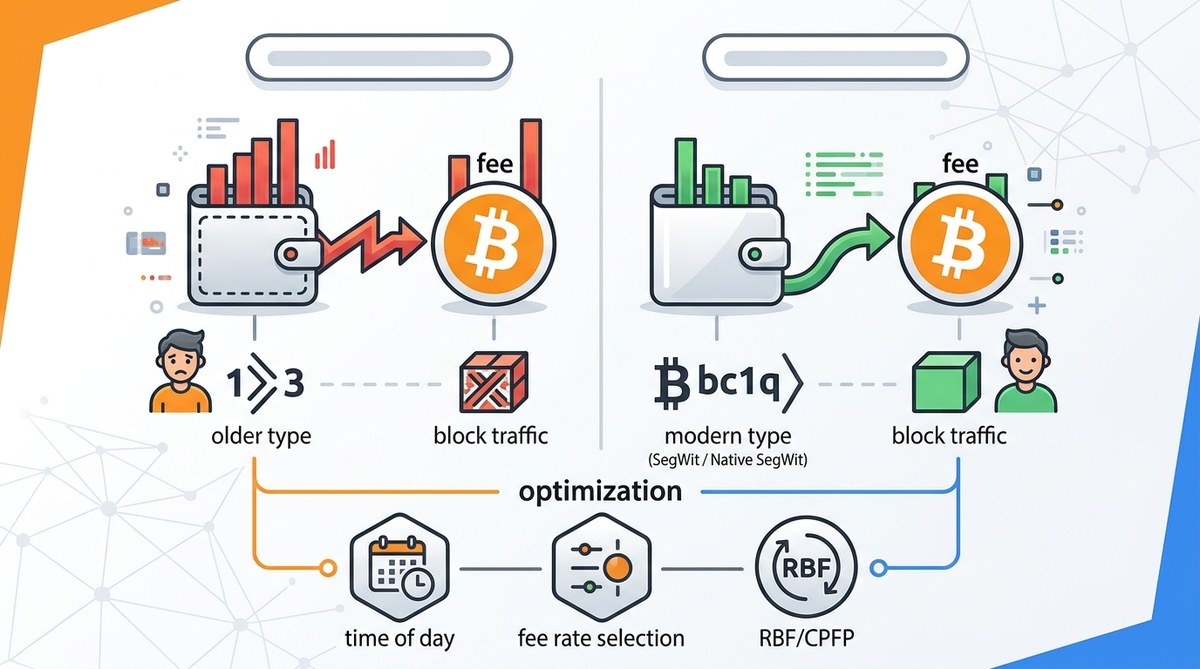
Expert advice: Always use a SegWit (starting with “bc1”) or Taproot address. These formats reduce transaction size by up to 40%, which directly cuts your fee. How to Use SegWit to Lower Your Bitcoin Fees Instantly explains this in detail.
Why Fees Spike Without Warning
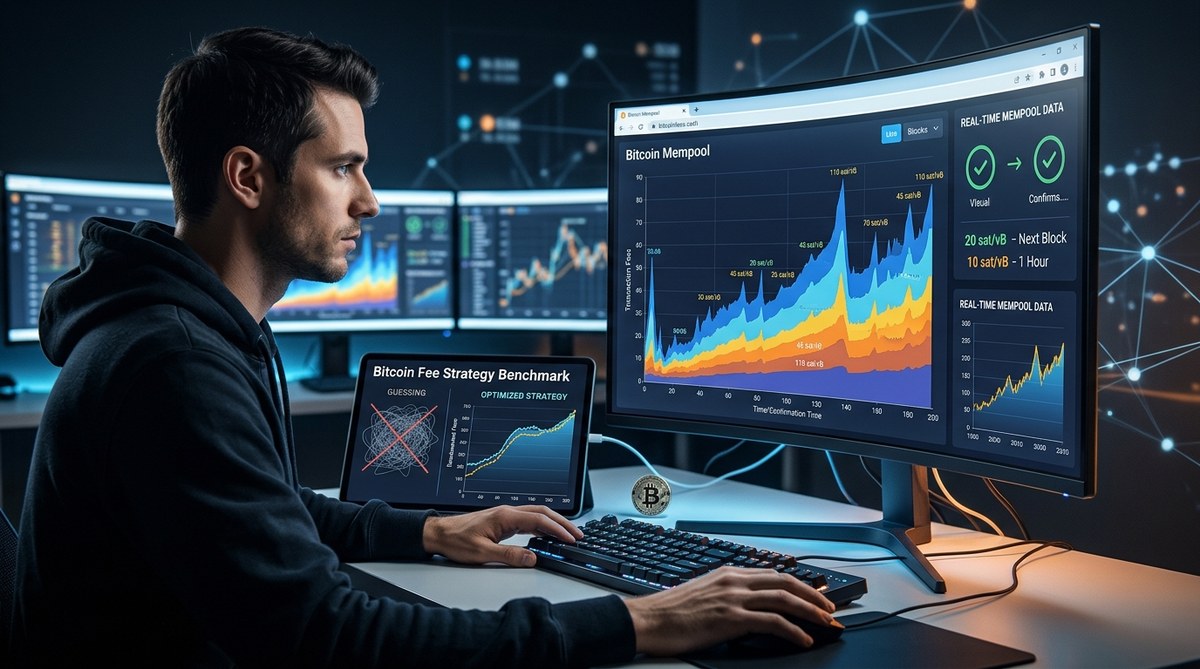
You can track the mempool like a weather report. When the mempool size grows beyond 100 MB, fees start rising. When it passes 300 MB, you’re in a fee storm.
1. Network Congestion Events
In 2026, we’ve seen fee spikes tied to NFT-like projects on the Bitcoin main chain. Every time a new token standard goes viral, thousands of tiny transactions flood the mempool. Miners love this because they earn more, but users pay the price.
2. Halving Aftermath
The 2024 halving cut block rewards in half. Miners now rely more on transaction fees for revenue. When the hashrate drops after a halving, blocks can take longer than ten minutes to find, which gives the mempool time to swell.
3. Exchange Withdrawals During Volatility
When Bitcoin’s price moves sharply, exchanges get slammed. Everyone tries to move coins to cold storage or sell at once. This sudden demand spike can push fees from 5 sat/vB to 200 sat/vB in a few hours.
How to Fix High Fees (Step by Step)
You don’t have to accept whatever fee your wallet suggests. Here is a practical process to pay less.
-
Check the current mempool state. Use a fee estimator site to see the recommended sat/vB for different confirmation speeds. If the mempool is clear, you can pay 1-2 sat/vB and get confirmed within a day.
-
Set a custom fee. Most wallets let you override the suggested fee. If you are not in a hurry, drop the rate to the “low priority” level (often 1-3 sat/vB). Your transaction might take hours or even a day, but it will confirm.
-
Use Replace-by-Fee (RBF) if you undershoot. If your transaction gets stuck, you can bump the fee without resending from scratch. Enable RBF in your wallet settings before you send. How to Use Replace-by-Fee (RBF) to Lower Your Bitcoin Transaction Costs in 2026 covers the exact steps.
-
Batch multiple payments into one transaction. If you owe several people, send all payments in a single transaction. You pay one base fee instead of several. How to Save on Bitcoin Fees by Batching Transactions in 2026 shows you how to set this up.
-
Switch to the Lightning Network for small payments. For coffee, subscriptions, or tipping, Lightning fees are fractions of a cent. How to Use the Lightning Network to Drastically Cut Bitcoin Fees in 2026 is your guide.
Common Mistakes That Inflate Your Fees
Even experienced users make these errors. Avoid them to keep more of your Bitcoin.
- Sending from a legacy address. If your wallet address starts with “1”, you are using an older format that costs more.
- Not consolidating UTXOs during low-fee periods. If you have 20 small incoming payments, your next send will be huge. Consolidate them into one address when fees are cheap.
- Using exchange default fees. Many exchanges set a high fee to ensure fast confirmations. You can often lower it in the withdrawal settings.
- Sending during peak hours. Weekday afternoons (US time zones) tend to have higher traffic. Late nights and weekends are often cheaper.
5 Mistakes That Inflate Your Bitcoin Fees and How to Avoid Them has a full breakdown of these pitfalls.
When Paying More Doesn’t Help
There is a common belief that paying a ridiculously high fee (like 500 sat/vB) guarantees instant confirmation. That’s not always true. If the mempool is empty, a 2 sat/vB fee confirms in the next block. Paying 500 sat/vB just gives the miner a massive tip.
On the flip side, during extreme congestion, even a high fee might not get you into the very next block if there are thousands of transactions paying even more. The trick is to find the sweet spot where you pay enough to get confirmed without overpaying by 10x.
Bitcoin Fee vs. Speed: How to Find the Sweet Spot in 2026 helps you calibrate your strategy.
A Quick Reference Table for Fee Decisions
| Your Situation | Best Strategy | Estimated Fee (sat/vB) |
|---|---|---|
| Urgent send (buying a car, closing a deal) | Pay top 10% fee | 80-150 |
| Normal online purchase | Medium fee, wait 1-2 blocks | 20-50 |
| Moving between your own wallets | Low fee, no rush | 2-8 |
| Consolidating UTXOs | Lowest possible fee, wait days | 1-3 |
| Micropayment under $5 | Use Lightning Network | 0.001 |
The Bigger Picture: Is This Here to Stay?
Bitcoin’s design limits block space on purpose. This ensures decentralization, but it creates a fee market. As adoption grows, fees will likely remain volatile. The good news is that second-layer solutions like Lightning handle most day-to-day payments, and the base layer is reserved for larger settlements.
If you are frustrated by high fees, you might also consider alternatives. Why Bitcoin Cash Offers Lower Fees for Everyday Transactions explains a network built with larger blocks for cheaper sends. For most users, though, a combination of smart timing, SegWit addresses, and Lightning is enough to keep costs under control.
Taking Control of Your Bitcoin Fees
High fees don’t have to be a surprise. By understanding the mempool, checking fee estimators, and using the right wallet settings, you can cut your transaction costs by 50% or more. The next time your wallet suggests a $15 fee, pause. Check the mempool. Adjust the rate. Hit send with confidence. Your future self will thank you for keeping those sats in your pocket.





Leave a Reply