
Every time you send Bitcoin, you watch a chunk of your money vanish into fees. It feels unfair. It feels random. But here is the truth: most of those fees are optional. You are probably paying more than you need to because of a few easily fixable habits. In 2026, with network conditions shifting constantly, knowing how to reduce bitcoin transaction fees is a skill that puts real money back in your pocket.
Bitcoin transaction fees do not have to drain your digital wallet every time you send money. By understanding how fees are calculated, timing your sends during low network congestion, batching multiple payments into one transaction, using SegWit compatible addresses, and considering layer two solutions like the Lightning Network, you can cut costs significantly. This guide covers five common mistakes that inflate Bitcoin fees and gives actionable steps to save money starting with your next transfer.
Why Your Bitcoin Fees Are Higher Than They Need To Be
Bitcoin fees are not a flat rate. They depend on three main things: network congestion, the size of your transaction in bytes, and the fee rate you choose. Most wallets set a default fee that prioritizes speed over cost. That default is often way higher than what you actually need.
Think of it like shipping a package. If you always choose overnight shipping, you will spend a lot more than someone who uses ground shipping. The same logic applies to Bitcoin. You can often wait a bit longer and pay much less. The difference between a high priority fee and a low priority fee can be ten times or more on any given day.
But there is more to it than just waiting. The structure of your transaction matters too. How many inputs and outputs it has, whether you use a SegWit address, and even the time of day you send can change the fee. A transaction with one input and two outputs might cost a few dollars. A transaction with ten inputs and five outputs could cost ten times that, even with the same fee rate.
The mempool, which is the waiting room for unconfirmed transactions, changes constantly. When it is empty, fees drop. When it is full, fees rise. In 2026, the mempool can go from empty to overloaded in a matter of minutes during a market event. That is why checking conditions before you send is so important.
Many people assume the fee shown in their wallet is fixed. It is not. Most wallets let you adjust the fee rate manually. But they hide that option behind a custom settings menu. If you never click it, you will always pay the premium.
The Five Mistakes That Inflate Your Costs
Let us look at the most common errors people make. Each one adds unnecessary sats to your fee. Avoid these, and you will see a real difference.
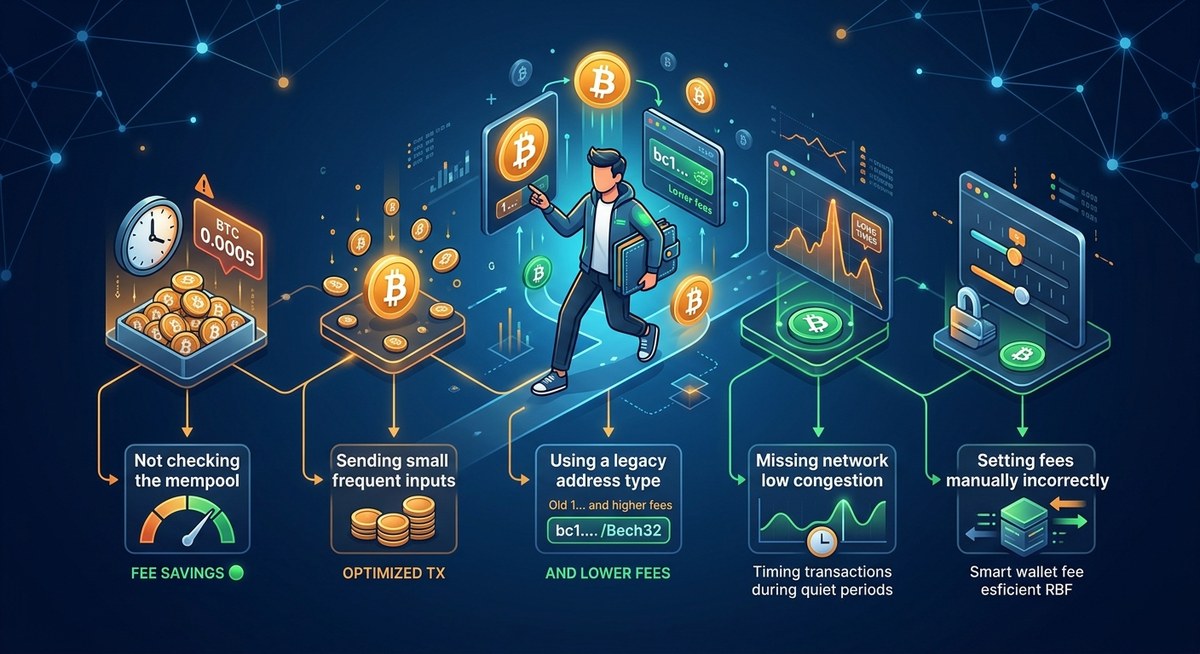
1. Using a default fee setting without checking. Most wallets set a medium or high fee to ensure fast confirmation. You might not need that speed. If you are sending to your own wallet or paying a friend, you can wait. Switch to a custom fee or low priority option. On most wallets, you can choose a fee rate as low as 1 to 2 satoshis per virtual byte when the network is quiet. That can save you 80 percent or more compared to the default.
2. Sending from an address with many small inputs. Each time you receive Bitcoin, you create a UTXO (unspent transaction output). If you have received many small payments to the same address, your transaction will include many inputs. More inputs mean a larger transaction in bytes. Larger transactions cost more. You can avoid this by consolidating small UTXOs during a time of low fees. Send all your small coins to a single address when the mempool is empty. That one consolidation transaction creates one large UTXO for future use.
3. Ignoring SegWit addresses. Segregated Witness reduces the size of your transaction data by removing the witness data from the main block. That means lower fees. SegWit addresses start with bc1. Legacy addresses start with 1 or 3. If your wallet supports SegWit, use it. The discount is real. A SegWit transaction can be 30 to 40 percent smaller than a legacy transaction, which directly reduces your fee.
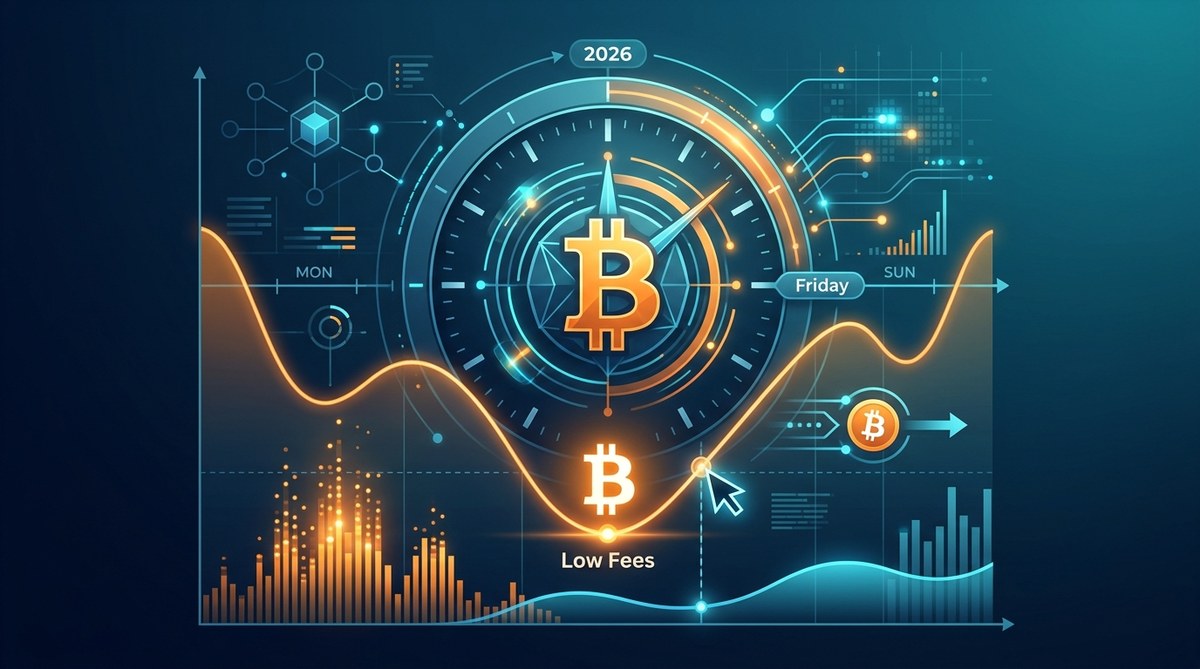
4. Sending during peak network hours. The mempool gets crowded during US business hours, especially between 9 AM and 5 PM Eastern time. It also spikes during major market moves. Sending late at night or on weekends often results in lower fees because fewer people are transacting. Sunday morning around 6 AM UTC is often the quietest time of the week.
5. Not batching multiple payments. If you need to send Bitcoin to several people, do it in one transaction instead of many. Batching combines multiple outputs into a single transaction. The base fee is paid once instead of multiple times. If you run a business or pay multiple vendors, batching is one of the most powerful tools for cutting costs. Some wallets now offer batch sending as a built in feature.
A Closer Look at the Fee Factors
To really understand how to reduce bitcoin transaction fees, you need to see how different choices affect the cost. Here is a breakdown of the main factors and what you can do about each one.
| Factor | Impact on Fee | How to Optimize |
|---|---|---|
| Transaction size in bytes | Larger size equals higher fee | Use SegWit addresses to shrink size by up to 40 percent |
| Number of inputs | More inputs increase size | Consolidate small UTXOs when fees are low |
| Number of outputs | More outputs increase size | Batch payments into a single transaction |
| Fee rate in sat/vB | Higher rate equals higher fee | Set a lower rate when speed is not critical |
| Network congestion | High congestion raises base fees | Send during off peak hours like weekends or late night |
| Wallet default settings | Defaults often favor speed | Always check and adjust before sending |
This table makes it clear. The fee you pay is not a mystery. It is a direct result of these variables. Change the variables, and you change the cost.
Let us look at a real example. Suppose you want to send $100 worth of Bitcoin. With a legacy address, 5 inputs, and a high priority fee during peak hours, you might pay $8 in fees. With a SegWit address, 1 input, and a low priority fee during off peak hours, you might pay $0.80. Same amount sent, but ten times less in fees. That is the power of optimization.
You can also use tools to track network performance and minimize transaction fees to see current conditions before you send.
How to Time Your Transactions for Lower Fees
Timing is one of the easiest ways to save. The Bitcoin network sees predictable patterns of congestion. Learn these patterns, and you can plan your sends accordingly.
Here are the best times to send for lower fees.
- Send on weekends, especially Sunday morning UTC. The mempool is often lighter because fewer people are transacting.
- Avoid sending during major price swings. When Bitcoin price moves sharply up or down, many people rush to move coins to exchanges. Fees spike during these windows.
- Avoid US business hours on weekdays. The highest congestion typically falls between 9 AM and 5 PM Eastern time.
- Check the mempool before you send. A tool like mempool.space shows you how many unconfirmed transactions are waiting. If the mempool is full, wait an hour or two.
- Use a fee estimator to find the lowest rate that still confirms in your desired timeframe.
If your transaction is not urgent, you can set a very low fee rate and just wait. Some wallets even let you set a fee rate of 1 sat/vB. During quiet periods, that will confirm within a few hours. During busy periods, it might take a day. But if you are not in a rush, it costs almost nothing.
“The difference between a high fee and a low fee can be 10x or more, simply based on timing and wallet settings. Most users never adjust their defaults, so they pay the premium every single time.” – Bitcoin fee analyst
That quote hits the nail on the head. Most people never look at their fee settings. They just click send and hope for the best. A small change in habit can save you a lot over time.
For a deeper look at this topic, learning how to time your bitcoin transactions for the lowest fees in 2026 can help you build a consistent routine.
Practical Steps to Lower Your Next Transaction Fee
Here is a numbered process you can follow right now to reduce your next fee. Do this every time you send Bitcoin.
- Open your wallet and navigate to the fee settings. Do not use the default. Look for a custom or advanced option.
- Check current network conditions using a fee estimator or mempool monitor. See what the recommended rates are.
- Choose a fee rate that matches your urgency. If you can wait a few hours, pick the low end of the recommended range. If you need confirmation in the next block, pick a higher rate.
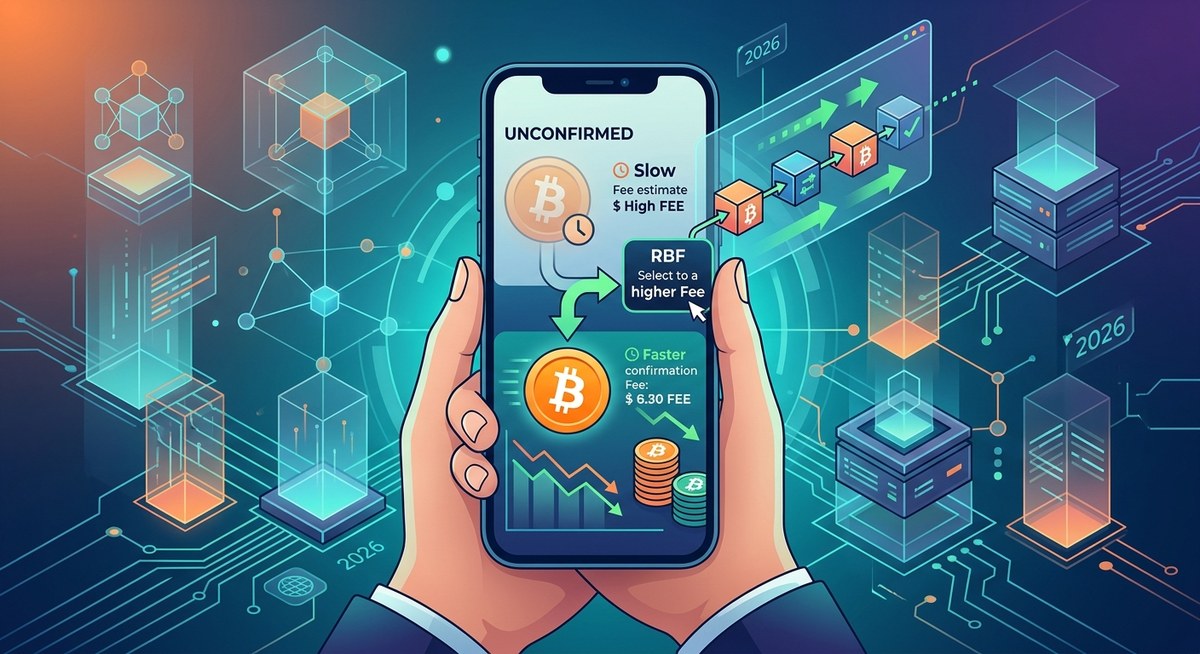
- If your wallet supports Replace by Fee (RBF), enable it. This lets you bump the fee later if the network gets congested. You start low and increase only if needed.
- Before sending, check your inputs. If you have many small UTXOs, consider consolidating them first during a low fee period.
- If you are sending to multiple people, batch them into one transaction. Most wallets support this now.
- Review the final fee estimate before confirming. Make sure it matches what you expect. If it looks too high, go back and adjust.
Following these steps for every transaction builds a habit that saves you money. It takes an extra 30 seconds but can cut your fees by half or more.
If you want to go further, understanding how to save on bitcoin fees by batching transactions in 2026 gives you a detailed breakdown of the batching process.
When Higher Fees Make Sense
Sometimes paying a higher fee is the right call. If you are buying something time sensitive, like a cup of coffee or a concert ticket, you want confirmation fast. In that case, a higher fee makes sense. You do not want to be stuck waiting for an hour while the barista stares at you.
The same goes for trading on a centralized exchange. If you need to move Bitcoin to an exchange to catch a price, you might want fast confirmation. A few dollars in extra fees is worth it if it saves you from missing a trade.
But for most transactions, speed is not critical. Sending Bitcoin to your own wallet, moving funds between wallets you control, or paying a friend for dinner can all wait a few hours or even a day. That is where the savings add up.
The key is to match your fee to your actual need, not to an arbitrary default. Ask yourself: does this need to confirm in the next ten minutes? If the answer is no, turn down the fee rate.
Alternative Paths for Cheaper Transactions
Bitcoin’s base layer is not the only way to transact. Layer two solutions like the Lightning Network let you send small amounts with almost no fees. If you make frequent small payments, Lightning is a game changer. You open a channel once, pay a small on chain fee, and then send unlimited transactions for pennies or less.
Lightning is especially good for everyday spending. Buying coffee, paying for subscriptions, or sending small amounts to friends all work well on Lightning. The base layer handles the big settlements, while Lightning handles the small stuff.
Some users also explore other coins for everyday spending. For example, looking at why bitcoin cash offers lower fees for everyday transactions can open up cheaper options for daily purchases. Bitcoin Cash has larger blocks and lower fees by design, making it useful for small transactions.
But if you want to stay on the Bitcoin network, understanding how to use the lightning network to drastically cut bitcoin fees in 2026 is a smart move. It gives you the best of both worlds: Bitcoin security with near zero fees.
You might also want to explore how to leverage network conditions in 2026 to minimize bitcoin transaction fees for a broader strategy.
Take Control of Your Bitcoin Fees Today
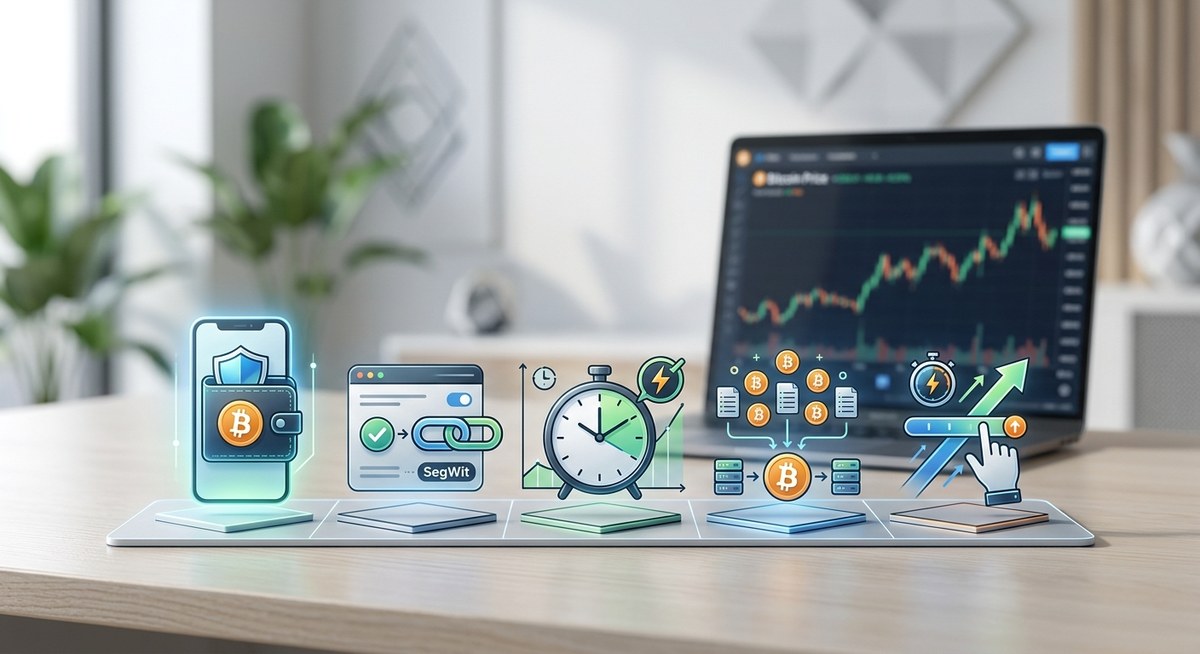
You do not need to be a blockchain expert to save on fees. You just need a few simple habits. Check your wallet settings. Time your sends. Batch when you can. Use SegWit. And when speed does not matter, let the network work at its own pace.
Start with your next transaction. Open your wallet, look at the fee options, and make a conscious choice. That small moment of attention is the difference between overpaying and keeping more of your Bitcoin where it belongs: in your wallet.
For more detailed strategies, review 5 simple tactics to slash your bitcoin fees without waiting longer to build on what you learned here. Every sat you save is a sat you keep. And over time, those sats add up to real money.






Leave a Reply