

You just sent 50 dollars in Bitcoin to a friend. The wallet showed a fee of nearly 4 dollars. You blinked, refreshed the screen, and hoped it was a glitch. It was not. That moment of confusion is one of the most common pain points for anyone new to crypto. Why does moving digital money sometimes cost more than a fancy coffee? The answer lives inside the Bitcoin fee algorithm, a system that feels mysterious until you peek under the hood. Let me walk you through exactly how it works, why your transaction sometimes costs more than expected, and what you can do about it.
Bitcoin fees are not random. They depend on network congestion, transaction size in bytes, and how urgently you want confirmation. You pay miners to include your transaction in the next block. By understanding the fee algorithm, choosing the right wallet, and timing your sends during low traffic, you can cut costs significantly without waiting days.
What a Bitcoin Fee Actually Pays For
Think of Bitcoin like a digital highway. Your transaction is a car trying to merge onto it. Miners are the toll booth operators who decide which cars get through first. The fee you attach is the toll you are willing to pay.
Miners collect transactions from a waiting area called the mempool. They fill a block with around one megabyte of data. Since block space is limited, they naturally pick the transactions offering the highest fee per byte. If you offer a low toll, your car sits in the waiting area while higher paying cars zoom past. That is the core of the fee algorithm: a competitive auction for scarce space.
Why Your Transaction Size Matters More Than the Dollar Amount
A common myth is that sending 1,000 dollars costs more than sending 10 dollars. That is not how Bitcoin works. The fee is based on the size of the transaction data, measured in bytes, not the amount of value moving.
Every transaction contains inputs and outputs. Inputs are references to previous transactions where you received Bitcoin. If you have received small payments from many different sources, your wallet needs to bundle many inputs together. More inputs mean more bytes. More bytes mean a higher fee.
Let us look at a concrete example.
A Simple Transaction
You have one UTXO (unspent transaction output) of 1 BTC. You send 0.1 BTC to a friend. Your wallet creates one input and two outputs (one for your friend, one for change). This transaction is roughly 200 bytes. At a typical fee rate of 50 satoshis per byte, the fee is around 10,000 satoshis, or about 2 to 3 dollars depending on the Bitcoin price.
A Complicated Transaction
You have 20 small UTXOs from faucets, airdrops, and part time freelance payments. You want to send 0.1 BTC. Your wallet must reference all 20 inputs. That transaction balloons to 800 bytes or more. At the same 50 satoshis per byte, the fee jumps to 40,000 satoshis. That is how a casual user ends up paying 10 dollars to move a small amount.
The fee algorithm cares about how much data your transaction consumes, not how rich you are.
How the Fee Algorithm Sets the Price
Bitcoin does not have a central bank setting rates. The fee algorithm is a market driven system that adjusts based on supply and demand.
- Supply: The amount of block space available. Roughly one megabyte every ten minutes.
- Demand: The total size of all pending transactions in the mempool.
When the mempool is nearly empty, the cheapest transactions get confirmed within the next few blocks. When the mempool is full of people trying to send during a hype event or a market crash, fees can spike dramatically.
Wallets use fee estimation algorithms to recommend a rate. These estimators look at recent blocks and predict what fee per byte will get you into the next block or two. Some wallets are conservative and overestimate. Others let you choose a custom fee.
The Main Factors That Drive Up Your Cost
Several variables push your fee higher than expected. Understanding each one helps you take control.
Network Congestion
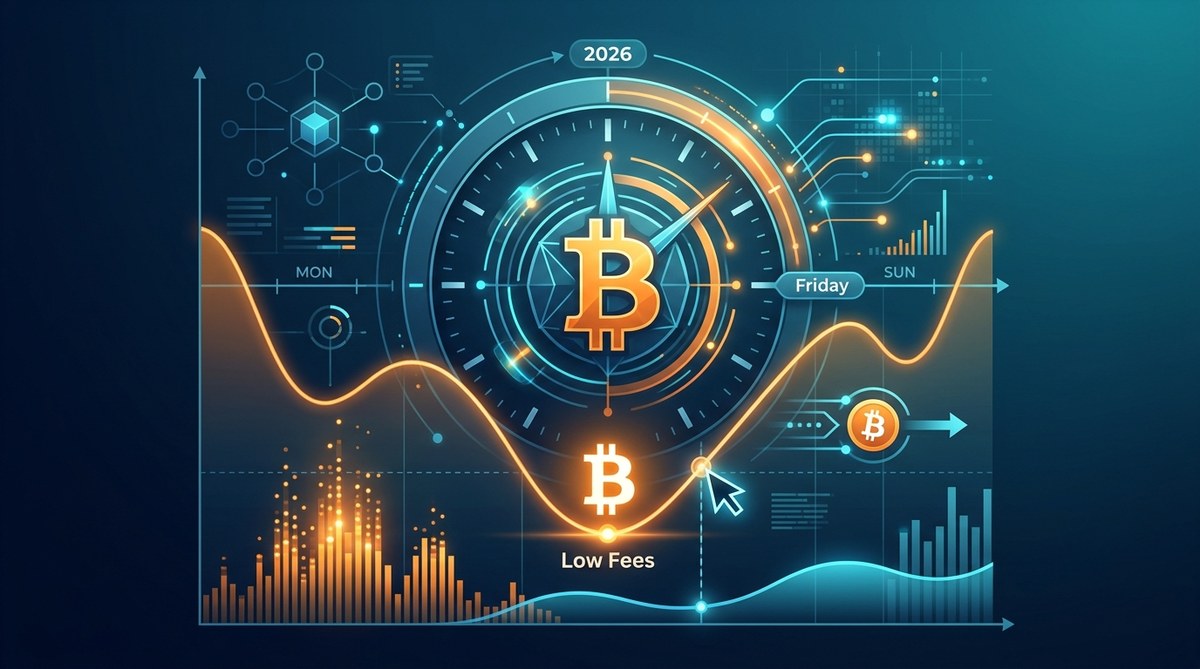
This is the biggest factor. When lots of people are transacting, the mempool swells. During the Ordinals inscription craze in early 2023, fees for a standard transaction sometimes exceeded 30 dollars. In calm periods, the same transaction might cost less than a dollar. In 2026, congestion patterns follow similar rhythms: weekends are often quieter, while weekdays during US business hours see more activity.
Transaction Size and UTXO Management
As mentioned, a transaction with many small inputs is expensive. If you regularly receive small payments, your wallet may be holding dozens of tiny UTXOs. Consolidating them during a low fee period can save you money later.
Address Type
Legacy addresses start with a 1. They produce larger transactions. SegWit addresses start with bc1. They produce smaller transactions because SegWit separates signature data. The difference is about 30 to 40 percent. If your wallet supports SegWit, you are already paying less than someone using an old style address.
Urgency
If you need a transaction confirmed in the next ten minutes, you must pay a premium. If you can wait an hour or even a day, you can set a lower fee and let the market clear naturally.
A Practical Guide to Reducing Your Fees
Here is a numbered list of steps you can take right now to lower your Bitcoin transaction costs.
- Switch to a SegWit wallet if you have not already. Most modern wallets use bech32 addresses. Check that your addresses start with bc1.
- Consolidate your UTXOs during low traffic times. Send your entire balance to yourself in a single transaction when fees are cheap. This merges all your small inputs into one clean output.
- Use a wallet with manual fee control. Wallets like Electrum or Sparrow let you set the fee rate yourself. Avoid wallets that hide the fee setting.
- Check a fee estimator before you send. Sites like Mempool.space show current recommended rates. Compare that to your wallet suggestion.
- Use Replace by Fee (RBF) if your wallet supports it. You can start with a low fee and bump it later if the transaction stalls.
When and Why Fees Spike: A Table of Common Scenarios
| Scenario | Typical Fee Impact | Best Strategy |
|---|---|---|
| Major Bitcoin price movement | High congestion, fees spike 3x to 10x | Wait 12 to 24 hours for calm |
| NFT or inscription hype | Mempool fills fast, fees stay high for days | Avoid sending during these events |
| Weekend afternoons (UTC) | Low to moderate traffic | Good time to send non urgent payments |
| Tax season in the US | Moderate increase as people move coins | Use manual fee or batch sends |
| Halving event years | Speculative activity raises fees | Plan ahead and consolidate early |
Common Mistakes That Inflate Your Fees
Many beginners accidentally overpay because of a few habits.
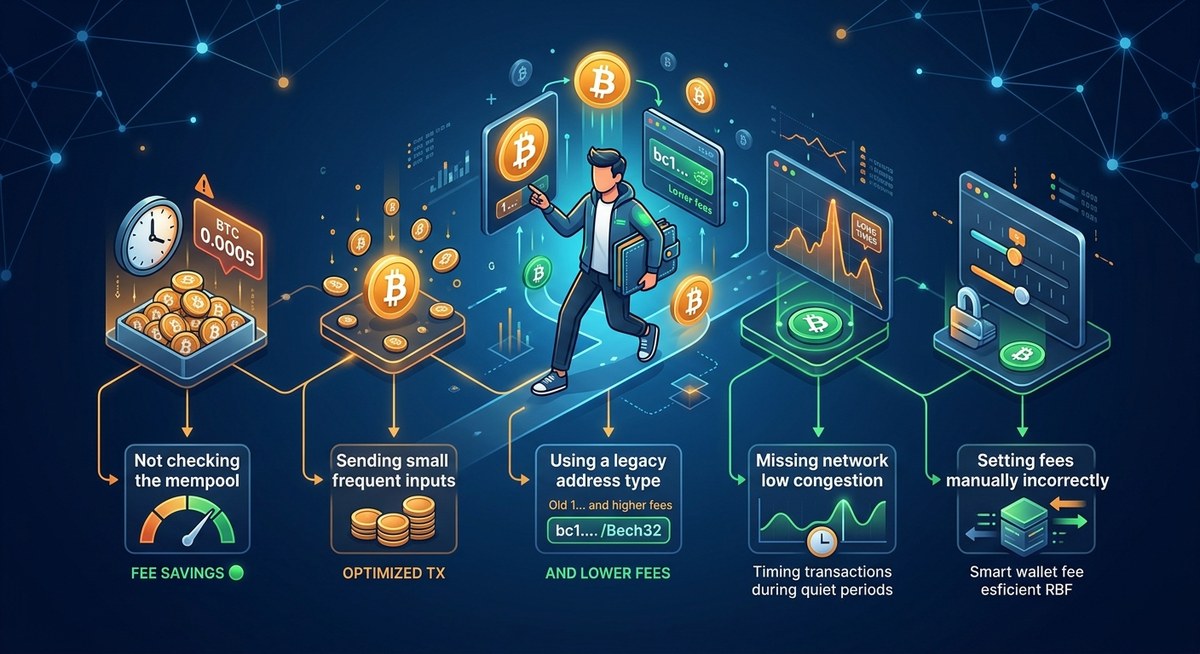
- Using the wallet default without checking. Some wallets set a high fee to guarantee speed. That is fine for urgent sends but wasteful for a casual payment to a friend.
- Not batching payments. If you need to pay three people, send one transaction with three outputs instead of three separate transactions. One transaction costs less than three combined.
- Sending during a known congestion event. If you see news about a popular new token or a Bitcoin price crash, expect high fees. Wait a day.
- Using an old wallet that does not support SegWit. Legacy wallets produce larger transactions and higher fees for no good reason.
Why Paying More Does Not Always Mean Faster
Here is a counterintuitive truth. Sometimes paying a very high fee does not guarantee instant confirmation. If the network is extremely congested and you overpay by a huge margin, your transaction still goes into the next block. But you wasted money. On the other hand, paying a very low fee during a quiet period can still get you confirmed within 20 minutes.
Expert advice: Never pay more than the 75th percentile fee rate shown on a fee estimator unless you absolutely need the next block. Most of the time, the 25th to 50th percentile rate is enough to get confirmed within three to six blocks. Patience is your cheapest tool.
How to Time Your Transactions for Lower Fees
Timing is everything. Here is a bullet list of patterns that help you save.
- Send early in the morning US time, around 4:00 AM to 7:00 AM Eastern.
- Avoid sending during the first few hours after a major Bitcoin price swing.
- Saturday and Sunday afternoons are often the cheapest times of the week.
- Holidays in the US, like Thanksgiving and Christmas, see lower transaction volume.
- Check the mempool size before you send. If it is below 10 MB, fees are likely low.
If you want a deeper look at timing strategies, read our guide on when are Bitcoin fees lowest in 2026.
The Hidden Role of the Mempool
The mempool is the staging area for all unconfirmed transactions. When you broadcast a transaction, it sits in the mempool until a miner includes it in a block. If the mempool is small, your low fee transaction gets confirmed quickly. If the mempool is huge, your transaction might wait for hours or even days.
The fee algorithm that wallets use looks at the mempool and estimates what fee rate will clear within a target number of blocks. But the algorithm is not perfect. It can lag behind sudden spikes or overestimate during calm periods. That is why manually checking the mempool before you send is a smart habit.
For a complete breakdown of how mempool congestion affects your costs, check out our article on how mempool congestion affects your Bitcoin transaction costs.
Tools That Help You Pay Less
Several free tools give you real time data so you do not have to guess.
- Mempool.space: Shows the current mempool size and recommended fee rates.
- BitcoinFees.info: Displays historical fee data and estimates for different confirmation targets.
- Your wallet’s custom fee option: If your wallet does not let you adjust fees, consider switching to one that does.
Using these tools is like checking traffic before a road trip. You would not drive into rush hour without knowing. Do not send Bitcoin without checking the fee landscape either.
A Quick Look at the Lightning Network Alternative
If you are frustrated by on chain fees, the Lightning Network offers a different path. Lightning enables instant, near zero fee transactions by creating payment channels off the main blockchain. It is perfect for small everyday payments like buying a coffee or tipping a creator.
The trade off is that you need to open and close channels, which requires on chain transactions. But once your channel is open, you can send unlimited small payments for fractions of a cent. If you frequently move small amounts, Lightning is a game changer. Read more about how to use the Lightning Network to drastically cut Bitcoin fees in 2026.
Putting It All Together to Save Real Money
Let us walk through a realistic scenario. You want to send 100 dollars to a friend. Your wallet suggests a fee of 5 dollars. You check Mempool.space and see the mempool is moderate. You manually set the fee rate to 30 satoshis per byte instead of the default 80. Your transaction gets confirmed in three blocks, about 30 minutes. You paid 1.80 dollars instead of 5. That is a 64 percent savings.
Now imagine you do this twice a month. Over a year, you save about 77 dollars. That is not pocket change. And if you consolidate your UTXOs once during a quiet weekend, you save even more.
Your Next Steps for Smarter Bitcoin Transactions
You now understand the fee algorithm better than most casual users. You know that transaction size, network congestion, and address type are the main levers. You have a list of practical steps and a table of scenarios to guide you.
Start by checking your wallet type. If you are using a legacy address, move your funds to a SegWit wallet. Next, set a reminder to check the mempool before every send. Finally, experiment with manual fee settings on a small test transaction.
Bitcoin transaction fees explained in plain language do not have to be painful. With a little knowledge and a few smart habits, you can keep more of your money in your pocket. The network rewards those who pay attention. Be one of them.








Leave a Reply