
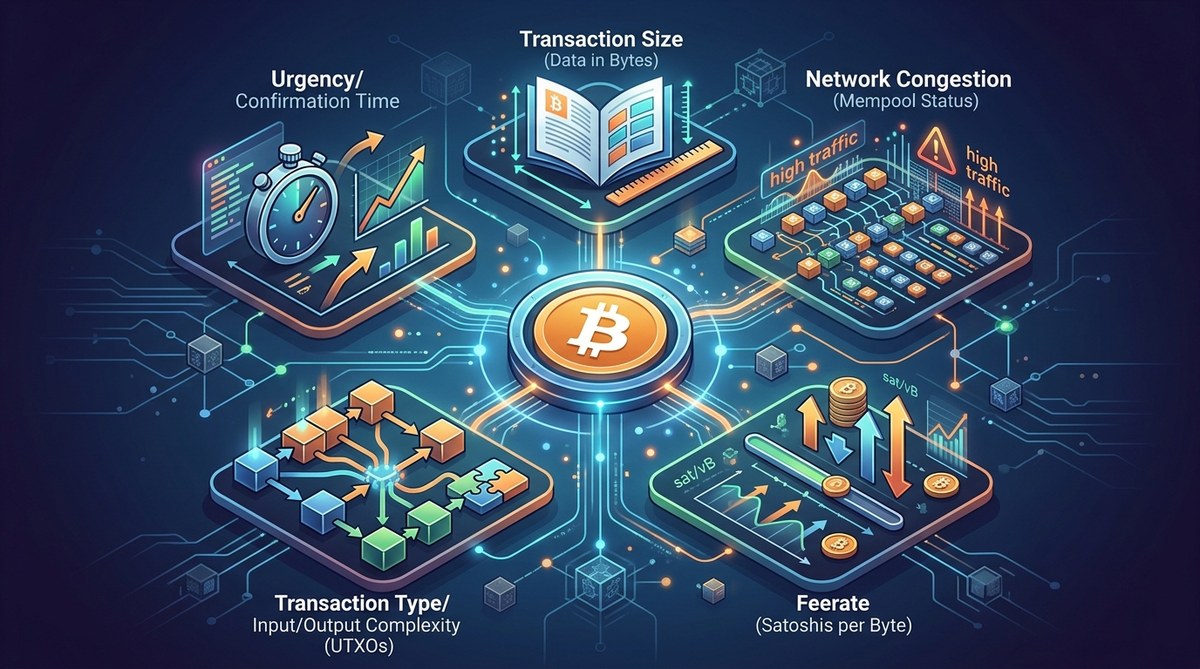
You open your wallet to send some Bitcoin and the fee feels like a shock. A week ago, the same transaction cost a fraction of that amount. Today, it seems like the network is charging a premium. What happened? Bitcoin transaction fees are not fixed. They move with supply, demand, and a handful of technical factors. Understanding those factors is the first step to keeping more of your money.
Bitcoin fees depend on network congestion, transaction size in bytes, the fee rate you set, and UTXO management. You can lower costs by using SegWit addresses, batching payments, and timing transfers during low-traffic periods. Checking the mempool before you send helps you pick a rate that clears without overpaying.
What Actually Determines a Bitcoin Transaction Fee?
At its core, a Bitcoin fee is a voluntary payment you make to miners. Miners choose which transactions to include in the next block, and they naturally favor those offering higher fees. The fee you pay is calculated as:
Fee = Fee Rate (sat/vB) x Transaction Size (vB)
That simple formula hides a lot of complexity. Your fee rate is measured in satoshis per virtual byte (sat/vB). Transaction size depends on how many inputs and outputs you have, as well as the address type you use. Let’s break down the key factors.
1. Network Congestion and Mempool Pressure
The mempool is the waiting room for unconfirmed Bitcoin transactions. When thousands of people are sending Bitcoin at the same time, the mempool fills up. Blocks are limited to roughly 1 MB of transaction data (after SegWit the effective limit is around 4 million weight units). Only so many transactions fit in each block.
If the mempool is packed, competition for block space pushes fees higher. This often happens during bull runs, after major exchange announcements, or around holidays when many people move funds. In 2026, we still see spikes during market volatility and when Ordinals or Bitcoin NFTs drive extra traffic.
You can check real-time mempool data on sites like bitcoinfees.cash or through wallet tools. Learning to read the mempool lets you know when to wait or when to pay a bit more for speed.
2. Transaction Size in Bytes (Not Dollar Amount)
Here is a common misunderstanding: the fee does not scale with how much Bitcoin you send. Sending 0.01 BTC can cost the same as sending 100 BTC, if the transaction size is identical. What matters is the size in virtual bytes.
Each transaction has a digital footprint. A simple transaction (one input, two outputs) using a SegWit address might be around 140 vB. The same transaction using an older legacy address could be 220 vB or more. That extra size means you pay a higher total fee even at the same fee rate.
Your transaction size increases when you use many inputs. If you received Bitcoin in 10 small payments and then want to send them all at once, you are creating a transaction with 10 inputs. That could balloon to 500+ vB. Consolidating your funds during low-fee periods is a smart move.
3. Address Type: SegWit vs. Legacy
Bitcoin addresses come in different formats. SegWit (starting with “bc1”) is the modern standard. It reduces transaction size because the signature data is separated (the “segregated witness” part). Compared to a legacy address (starting with “1”), a SegWit transaction can be 30 to 40 percent smaller.
That smaller size means lower fees for the same fee rate. If you are still using a legacy wallet, switching to SegWit or Native SegWit can save you money every single time you send. Most wallets created after 2019 support SegWit, but some older exchanges and hardware wallets may still default to legacy. Check your wallet settings.
4. Urgency and Fee Rate Selection
You can set the fee rate manually in most wallets. If you are sending a birthday gift and can wait an hour, you can pick a rate in the lower range of the current mempool. If you need the transaction confirmed in the next block (to catch a trading opportunity, for example), you will pay a premium.
Wallets often show three presets: economy, standard, and high priority. In 2026, many wallets also show a custom slider and suggest a rate based on live mempool data. It is worth learning how to adjust this yourself. Overpaying on fees is one of the most common mistakes new users make.
5. Unspent Transaction Outputs (UTXOs)
Every time you receive Bitcoin, you get a UTXO. Think of them as digital coins in your wallet. When you send Bitcoin, your wallet selects some of those UTXOs to cover the amount. If you have many small UTXOs, the transaction needs to combine them, which increases the transaction size.
Sending from an exchange often involves fewer UTXOs than sending from a wallet that has received many tips or small payments. You can consolidate UTXOs by sending a single transaction to yourself during a low-fee window. This will cost you a fee upfront but will make future sends cheaper.
How to Check the Current Fee Landscape
Before you send any Bitcoin, take 30 seconds to assess the network. Here is a simple process:
- Open a fee estimator such as bitcoinfees.cash or your wallet’s built-in tool.
- Look at the recommended fee rate for the next few blocks. Compare the economy rate (slower) and the standard rate.
- Check the mempool graph. If it is flat and low, fees are cheap. If it is spiking, consider waiting.
- Decide how quickly you need the transaction to confirm. If it is not urgent, set a fee rate on the lower end.
- Review your transaction size. If you are using a legacy address, consider moving to SegWit for future savings.
This routine takes less than a minute and can stop you from overpaying by 50 percent or more.
Common Techniques and Mistakes
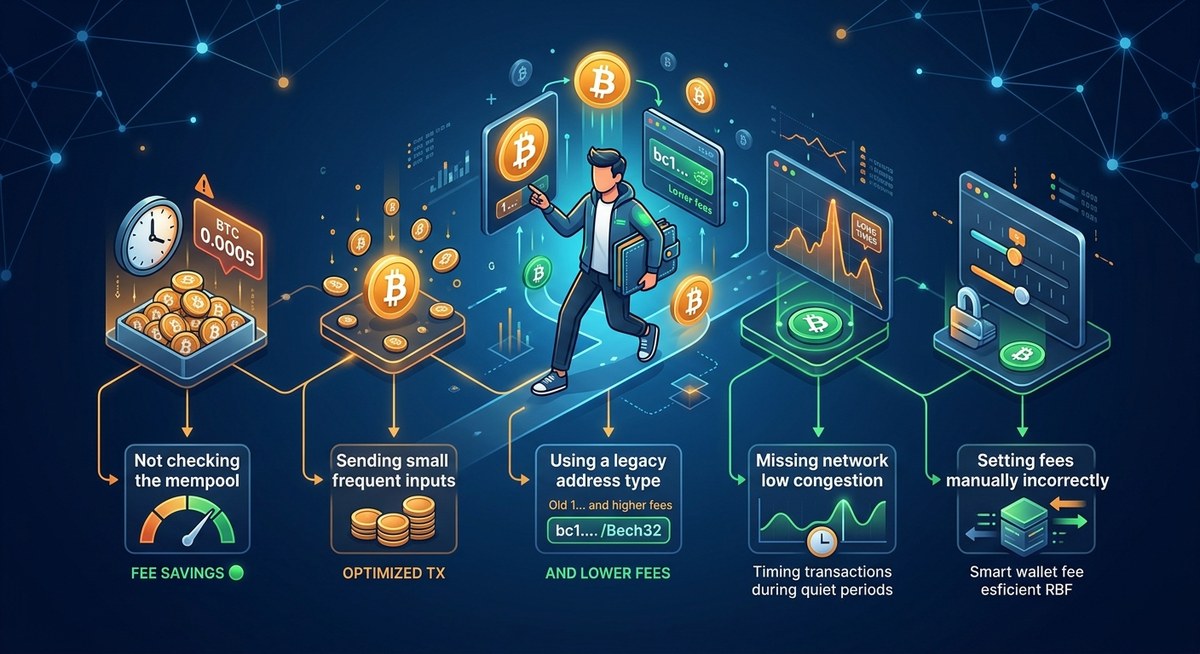
The table below summarizes what works and what does not when you want to lower fees.
| Technique | How It Helps | Common Mistake |
|---|---|---|
| Using SegWit addresses | Reduces transaction size by 30-40% | Still using legacy addresses from old wallets |
| Batching multiple payments | Combines several sends into one transaction | Sending each payment individually, increasing total size |
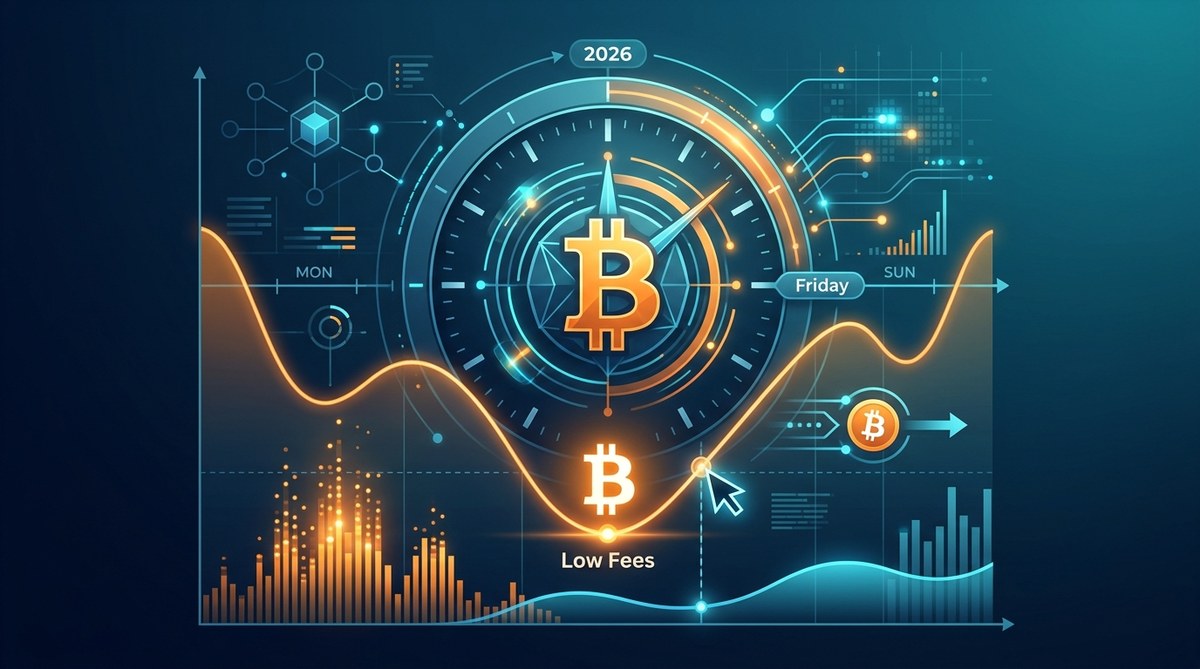
| Timing transactions during low traffic | Avoids peak mempool hours (e.g., weekends, market opens) | Sending during a bull run or after major news without checking |
| Setting a custom fee rate | Matches your urgency to the actual fee needed | Relying on wallet defaults which are often set high for safety |
| Consolidating UTXOs | Lowers future transaction size | Creating a consolidate transaction during peak fees, making it counterproductive |
When Should You Pay a Higher Fee?
There are times when paying a higher fee makes sense. If you are sending money to pay a bill with a deadline, or you need to fund a time-sensitive DeFi trade, the extra cost for a fast confirmation is worth it. Similarly, if you are moving funds from an exchange to your own wallet, paying slightly more ensures the transaction clears before the exchange’s withdrawal timeout expires.
The trick is to avoid paying priority fees by accident. Some wallets default to “high” because they want a good user experience. Always check the estimated confirmation time before you hit send.
Expert Advice on Fee Minimization
“The biggest savings come from understanding that you control the fee rate, not the wallet. Most people pay 20 to 50 percent more than they need to because they never change the default setting. Take 10 seconds to adjust the slider down to economy if you are not in a hurry.” – Sarah Kim, blockchain transactions engineer
This is sound advice. Wallets want your transaction to confirm fast so you have a smooth experience. But if you are patient, you can save real money over the course of many transactions.
How to Reduce Fees Further with Layer 2 Options
Bitcoin’s Lightning Network is a second layer that allows near-instant, very low-cost payments. If you send small amounts often, Lightning is ideal. Many wallets now support Lightning channels. You open a channel by making one on-chain transaction, and then you can send thousands of payments for a fraction of a cent each.
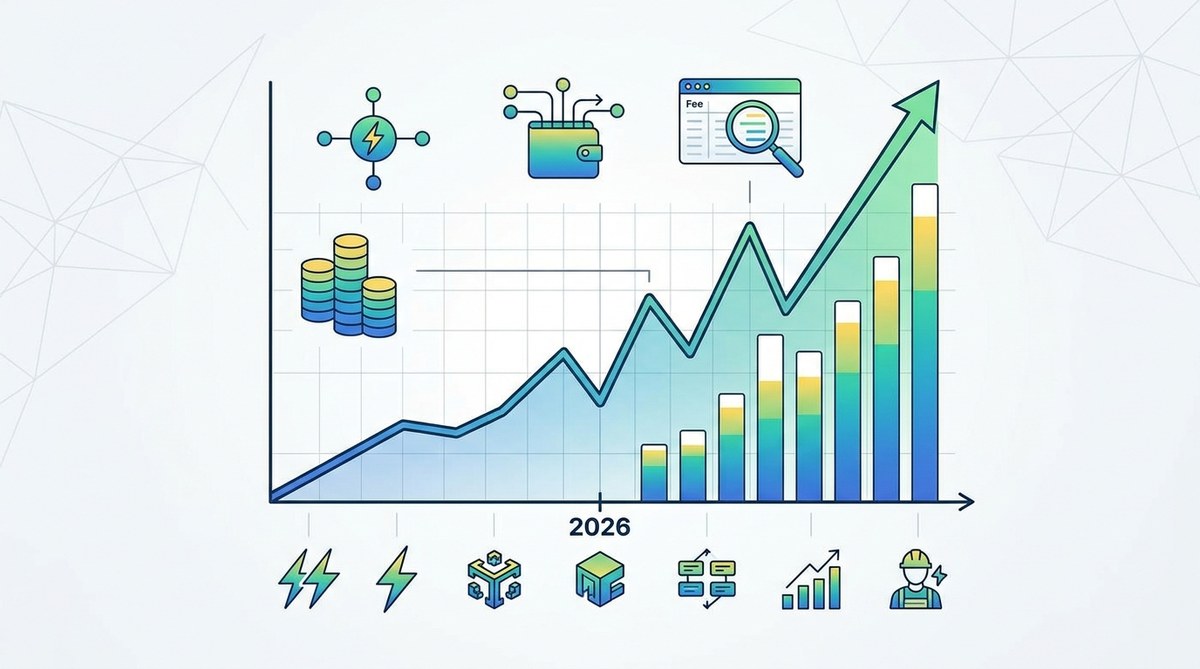
In 2026, Lightning adoption has grown significantly, especially for everyday purchases, tipping, and streaming payments. If you find yourself paying high fees for small transfers, it is worth exploring Lightning. Check out our guide on how to reduce Bitcoin transaction fees without compromising speed in 2026 for a deeper walkthrough.
What About Bitcoin Cash?
Some users switch to Bitcoin Cash for lower fees. Bitcoin Cash has larger blocks (currently 32 MB), which reduces congestion and keeps fees extremely low. If your primary use case is small daily payments, you might find it more cost-effective. Read more about why Bitcoin Cash offers lower fees for everyday transactions to compare options.
Tools to Stay Ahead of Fees
You do not have to guess about fees. Several tools give you real-time data. Use fee trackers, mempool visualizers, and wallet plugins. Knowing the market conditions before you send is half the battle. For a full list of resources, see our top tools to track network performance and minimize transaction fees.
Your Action Plan for Cheaper Bitcoin Transactions
You can start saving on fees today with a few simple changes:
- Switch to a SegWit wallet if you have not already.
- Check the mempool before every transaction.
- Use a custom fee rate instead of the wallet default.
- Consolidate your UTXOs during a quiet weekend.
- Consider Lightning Network for small payments.
These steps do not require advanced technical knowledge. They just require a bit of attention. Once you build the habit, lower fees become automatic.
Putting Fee Knowledge to Work
Bitcoin transaction fees are not random. They are a market that you can learn to navigate. By understanding the five factors (congestion, transaction size, address type, urgency, and UTXOs), you can make informed choices. You will stop overpaying and start keeping more of your Bitcoin where it belongs, in your wallet.
Start today by checking the current fee rate on your wallet or a site like bitcoinfees.cash. Even a small adjustment can make a difference. And if you ever feel stuck, come back to this guide. It is designed to be your reference point for fee smart spending in 2026 and beyond.








Leave a Reply