

You just wanted to send $20 worth of Bitcoin to a friend. But the wallet asked for nearly $12 in fees. That stings, right? You are not alone. A Bitcoin transaction fee high situation catches many newcomers off guard. The good news is that you usually do not need to pay that much. By understanding a few key factors, you can save money and stop overpaying for simple transfers.
Bitcoin transaction fees spike because of network congestion, transaction size, and wallet defaults. You can lower fees by using wallets with custom fee options, timing sends during low-traffic hours, batching outputs, and using SegWit addresses. Learning to read the mempool helps you avoid costly peak periods.
Why your Bitcoin fee sometimes feels unreasonable
Bitcoin has a fixed supply of block space. Each block can hold about 1 MB of transaction data, and a new block arrives roughly every 10 minutes. When thousands of people want to send Bitcoin at the same time, they compete for that limited space. Miners pick the transactions that offer the highest fees. If you set a low fee, your transaction might sit unconfirmed for hours or even days.
Several events in 2026 have kept the network busier than usual. The rising popularity of Ordinals inscriptions, increased institutional trading, and the halving later this year all add pressure. Even casual users feel the effect when they send a transaction during a bull market spike.
How wallets decide your fee
Many wallets set fees automatically. They often pick a “high priority” rate to guarantee fast confirmation. That is great if you need the transaction to go through in the next ten minutes. But if you are sending to a friend and can wait an hour, you are overpaying.
Wallets calculate fees based on the size of your transaction in bytes, not on the amount you are sending. A transaction that spends many small inputs (like coins from faucets or small payments) can be several hundred bytes. That costs more than a simple transaction with one input and one output.
Understanding this helps you see why sometimes a $5 transfer costs more than a $500 transfer. Network traffic and your transaction’s byte size are the real drivers.
The three biggest mistakes that drive up costs
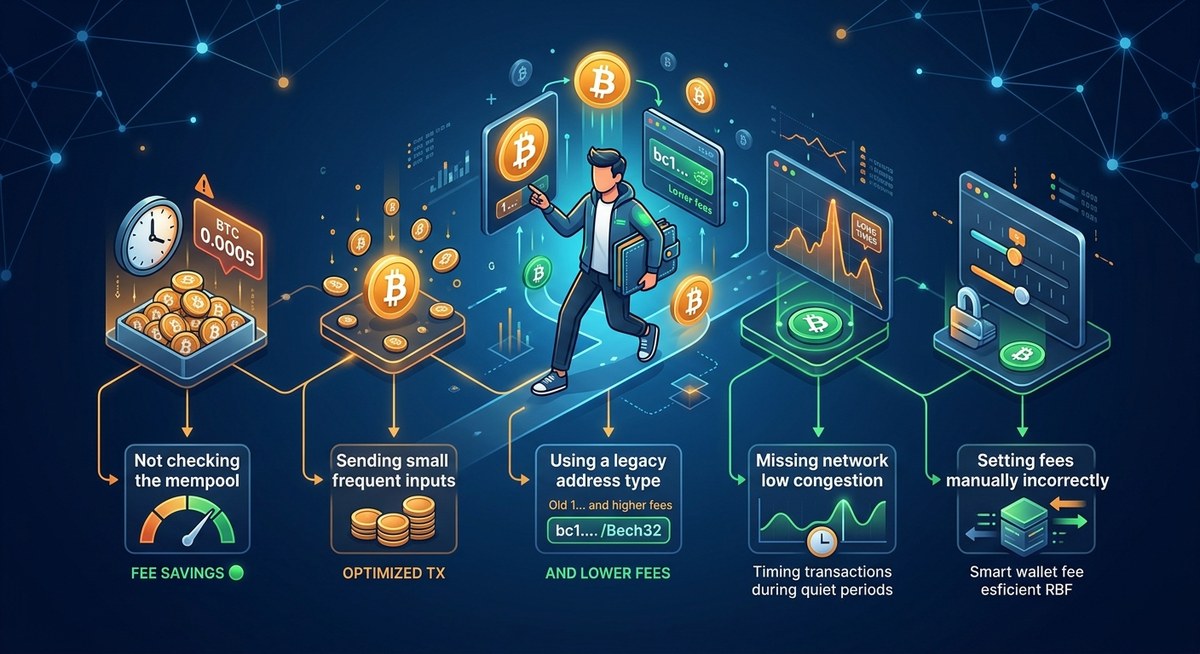
- Using a wallet that hides fee controls. Some popular apps only show “fast,” “medium,” “slow” options. Without manual control, you may overpay.
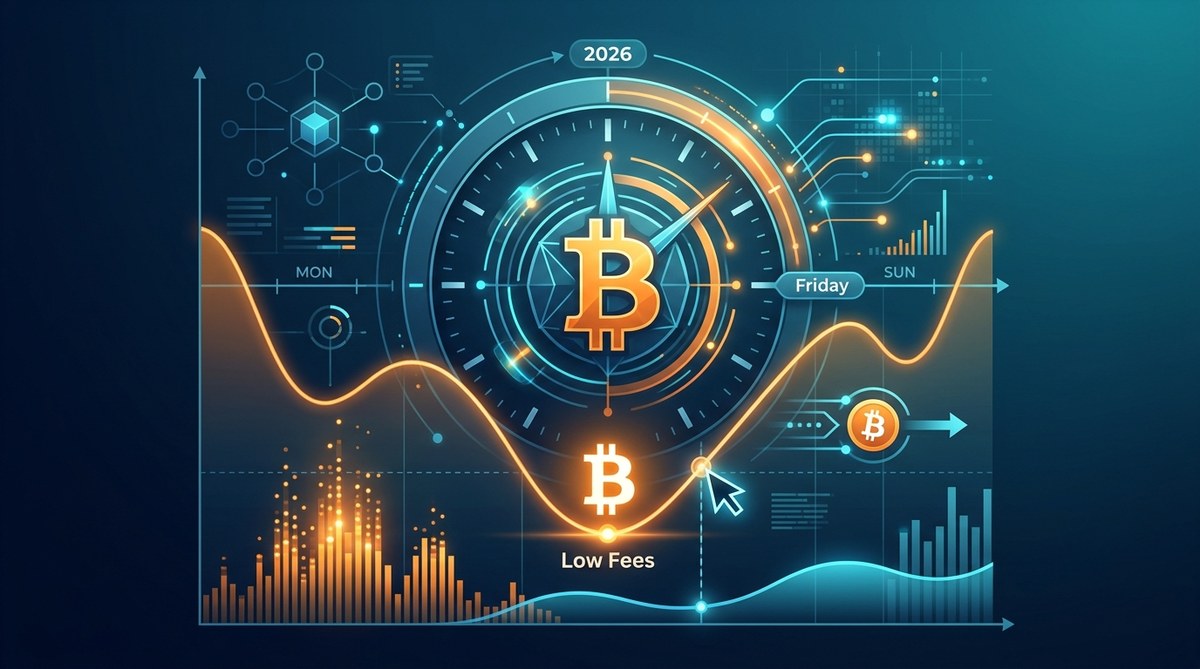
- Sending during peak hours. Weekday afternoons in US time zones often see the most traffic. Late nights and weekends usually have lower fees.
- Not consolidating small inputs. If you receive many tiny payments, each one becomes a separate input. That balloones your transaction size.
Let us break down the fixable factors in a table.
| Factor | Why it affects fees | What you can do |
|---|---|---|
| Network congestion | High demand for block space drives up the fee rate (sat/vB). | Send during low-traffic windows (Sundays, late night). |
| Transaction size | More inputs = more bytes = higher total fee. | Batch small payments or consolidate UTXOs when fees are low. |
| Wallet default setting | Many wallets prioritize speed over savings. | Switch to “custom fee” and use current mempool recommendations. |
| Non-SegWit address | Legacy addresses produce larger transactions. | Use a Bech32 (SegWit) address for smaller byte size. |
Step by step: How to reduce your fee right now
Follow this numbered list the next time you send Bitcoin.
- Check the mempool. Use a site like mempool.space or bitcoinfees.cash. Look at the current fee rate for the next block. If it is above 30 sat/vB, consider waiting.
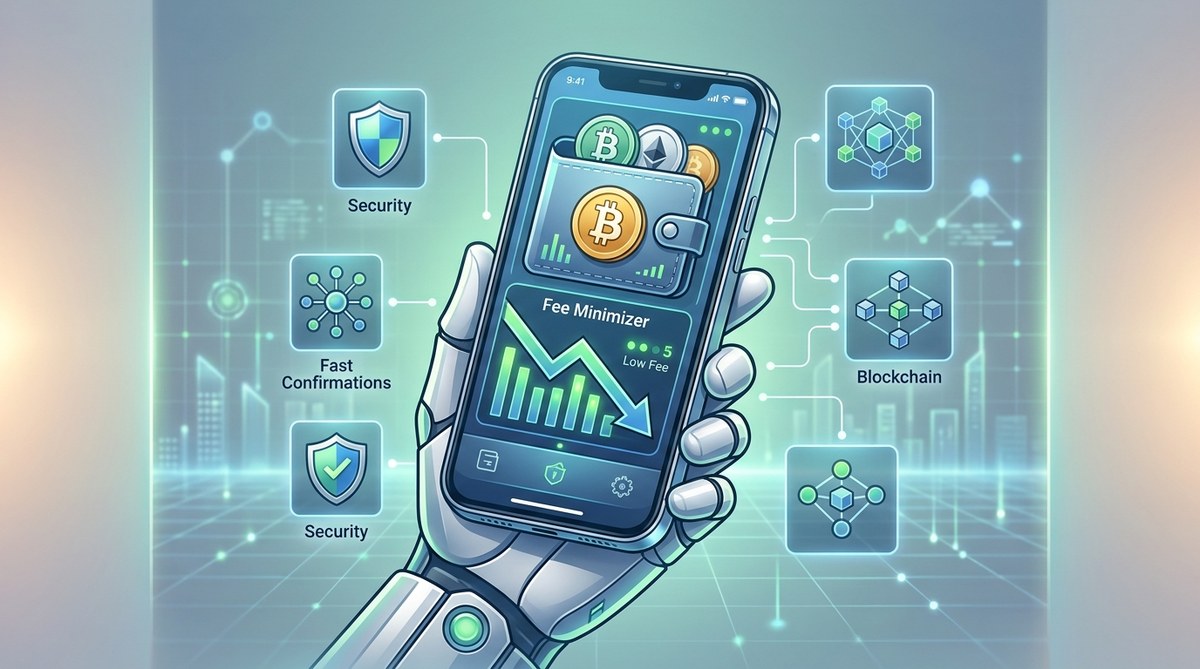
- Use a wallet with manual fee control. Hardware wallets like Trezor and software wallets like Electrum let you set your own fee. Avoid default suggestions.
- Estimate your transaction size. If you have many inputs, consider consolidating them into a single UTXO when fees are low. This is called UTXO management.
- Set a fee rate based on your patience. For example, if the mempool shows 10 sat/vB for the next 6 blocks, set that. Your transaction will confirm within an hour or two.
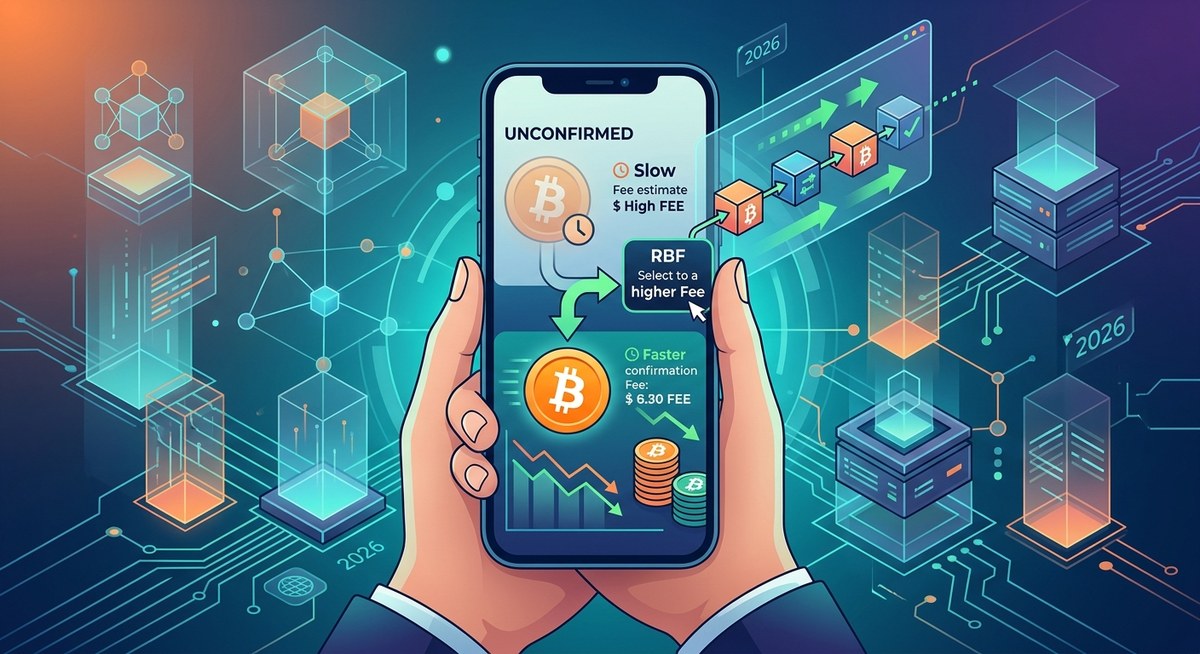
- Enable Replace-by-Fee (RBF). This feature lets you bump the fee later if the network gets busier. Most modern wallets support it.
- Use the Lightning Network for small payments. For purchases or tip-like transfers, open a Lightning channel. Fees there are often a fraction of a cent.
“The cheapest way to send Bitcoin is to know the mempool. If you can wait six blocks, you can save more than half the cost compared to paying for the next block.”
— experienced Bitcoin user on a forum, 2026
Common tools and habits that help you save
- Set fee alerts. Some wallets notify you when the recommended fee drops below a threshold.
- Use SegWit addresses. They can cut transaction size by up to 30%, lowering your fee directly.
- Batch payments. If you run a business or send to multiple people, combine outputs into one transaction.
- Consider alternative layers. For daily spending, Learn how to use the Lightning Network to drastically cut Bitcoin fees in 2026.
- Review your wallet’s UTXOs. If you have many small coins from faucets or airdrops, Understand the hidden impact of mempool size on your Bitcoin fees in 2026.
What about times when fees seem unavoidable
Sometimes the network is just jammed. For example, during a major market move or a popular Ordinals mint, fees can spike to 200 sat/vB. In those moments, the best advice is to wait. Do not feel pressured to send immediately unless the transaction is time-sensitive. If you must send, use a higher fee but still avoid the “maximum” setting.
Also note that some wallets charge a service fee on top of the miner fee. That adds unnecessary cost. Choose a non-custodial wallet that passes the miner fee directly without extra markup.
Put the tools to work starting today
You do not have to be a Bitcoin expert to stop overpaying. Start by switching to a wallet that gives you control over the fee. Check the mempool before any transaction. Consolidate your small inputs when fees are low. And remember that waiting an extra 30 minutes often saves you serious money.
For a deeper practical guide, Read how to reduce Bitcoin transaction fees without compromising speed in 2026. It covers timing strategies and exact fee rate targets for different confirmation times.
Your next send can be cheaper
Every Bitcoin user hits a moment when a transaction fee seems absurd. The secret is not to accept it as normal. With a small shift in how you choose wallets, set fees, and time your sends, you can bring that cost down to a few cents. Try it next time. Your future self will thank you.






Leave a Reply